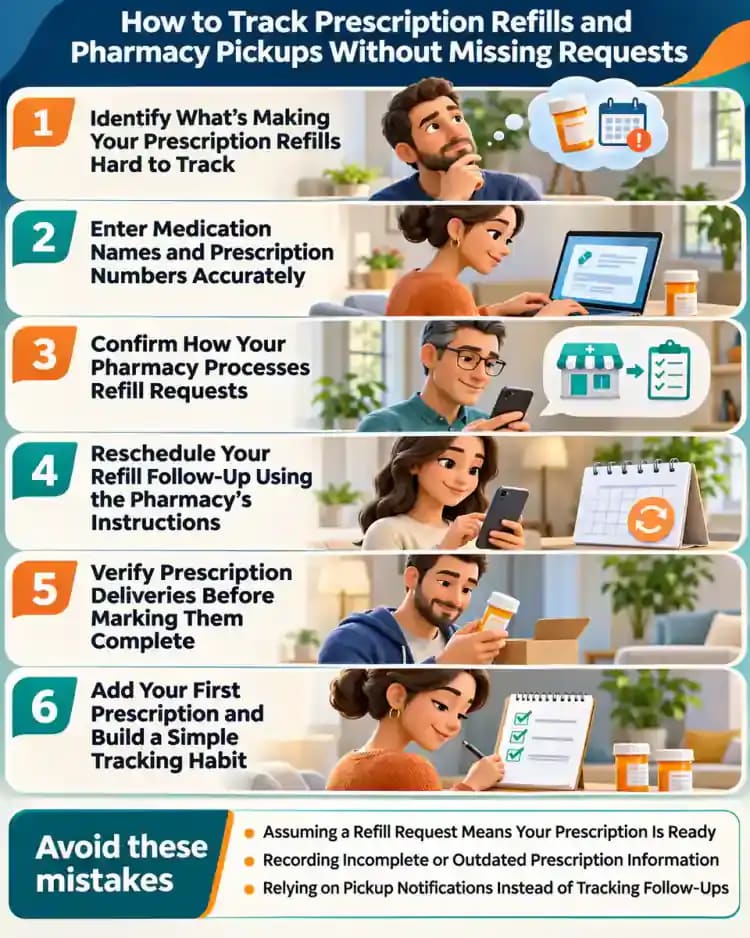
How to Track Prescription Refills and Pharmacy Pickups Without Missing Requests
Tired of wondering which prescriptions are ready, delayed, or still waiting for approval? Learn how to organize refill requests, pharmacy contacts, pickup confirmations, and reminders in one simple tracker.

What you’ll need
Tap to tick things off before you start.
Identify What's Making Your Prescription Refills Hard to Track
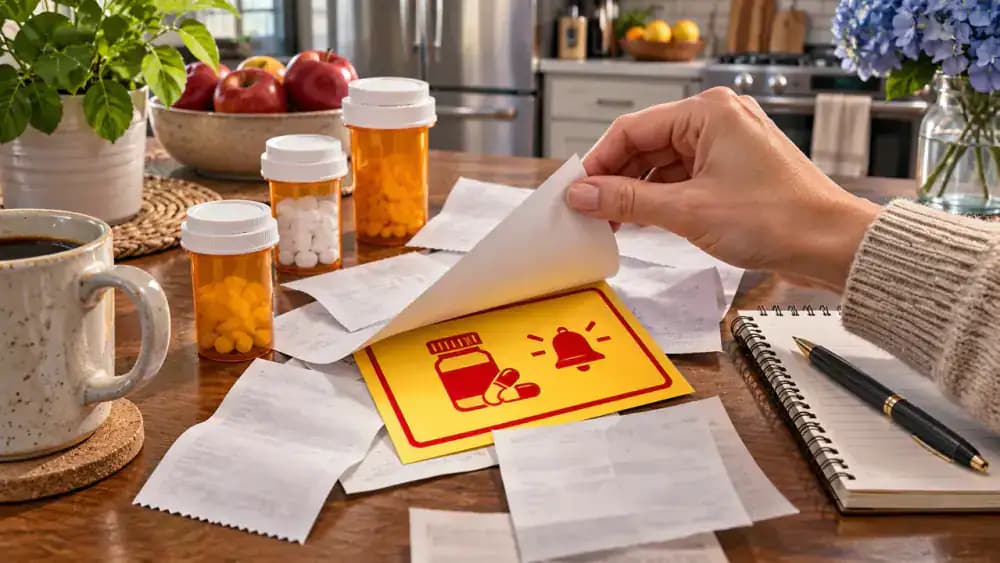
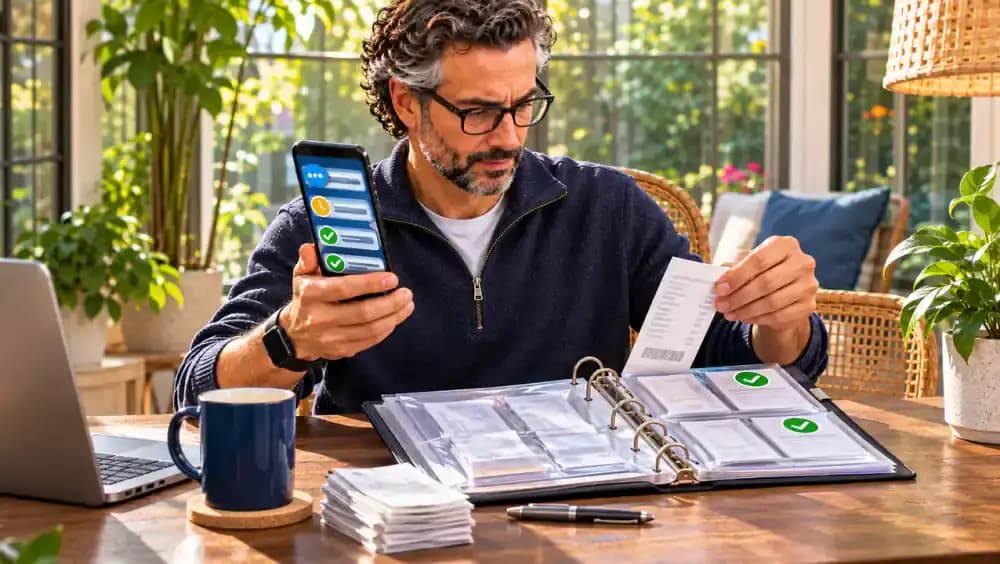
Start by gathering prescription bottles, pharmacy receipts, handwritten notes, and missed pickup notifications in one place. Look for unanswered refill reminders, incomplete phone numbers, and requests you cannot confidently identify as completed. As you sort through the paperwork, separate confirmed pickups from requests that still need verification. Keep prescription labels private, and contact your pharmacy whenever a request's status is unclear rather than assuming it has been processed.
Create a Central Tracker for All Prescription Refills
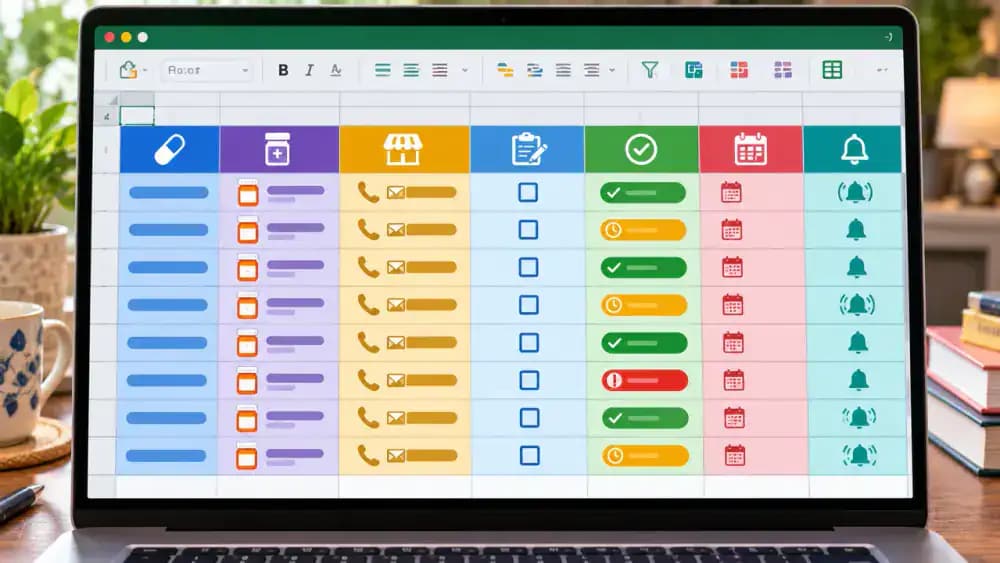
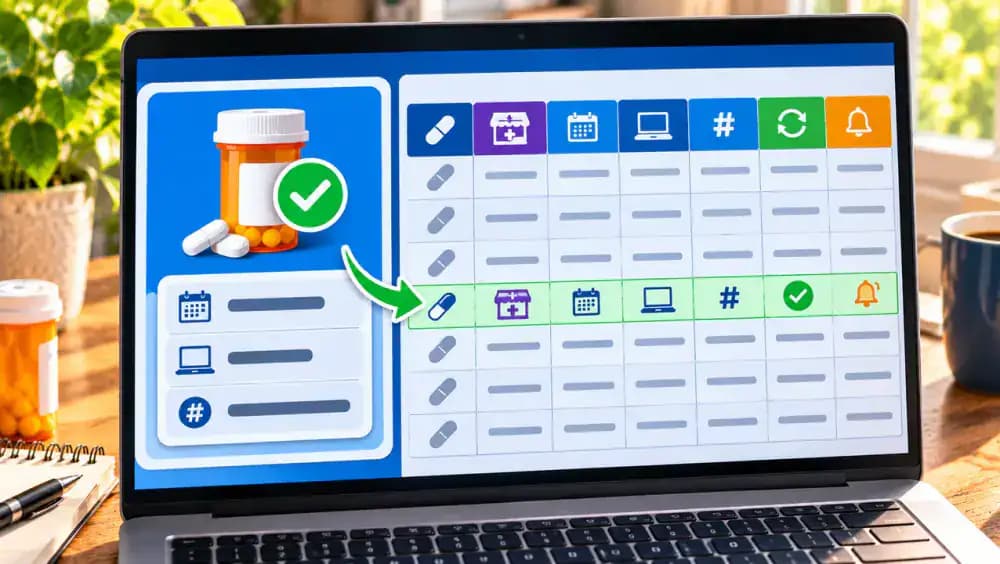
Open a blank spreadsheet or notebook and create columns for Prescription, Pharmacy, Request Date, Status, Next Follow-up, and Pickup Confirmed. Enter each prescription on a separate row using its identifying information. Choose consistent status labels such as Requested, Processing, and Ready for Pickup. Add a follow-up date for every unresolved request, and mark pickups complete only after confirmation. Store your tracker securely to protect sensitive prescription information.

Collect Prescription Labels, Receipts, and Pharmacy Records
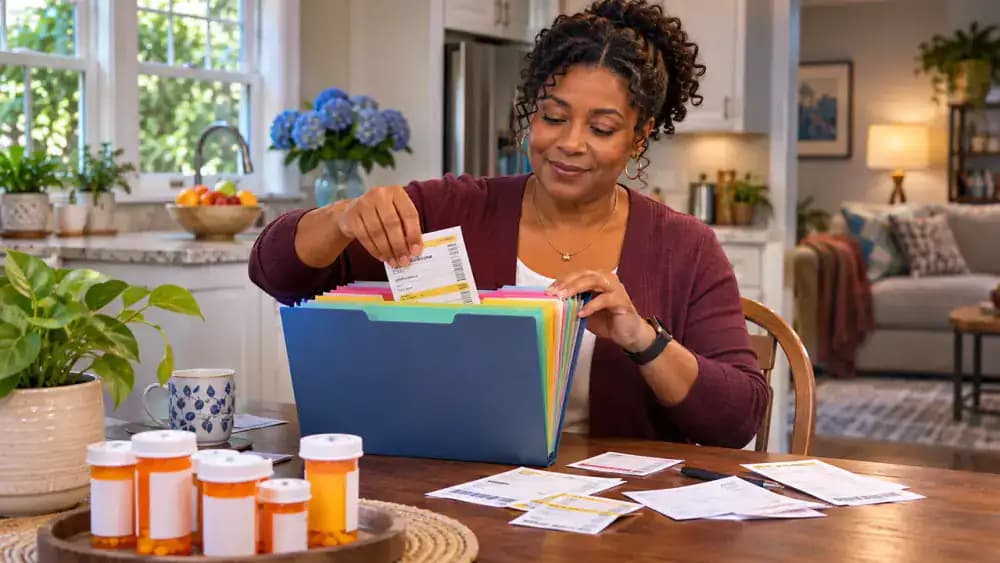
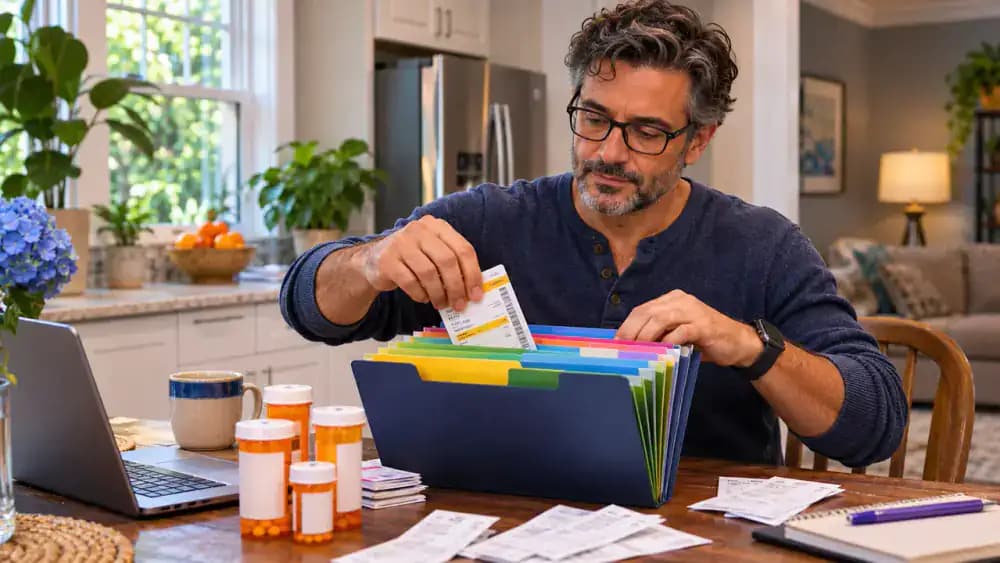
Gather your current prescription bottles or labels, recent pharmacy receipts, and printed refill notices. Sort these documents into separate sections of a folder so you can find them easily when updating your tracker. Keep pharmacy contact information nearby and open your patient portal if available. Check that labels are current before copying details, and store all paperwork securely. Avoid sharing prescription numbers or other personal health information unnecessarily.
Choose a Private Notebook or Password-Protected Spreadsheet
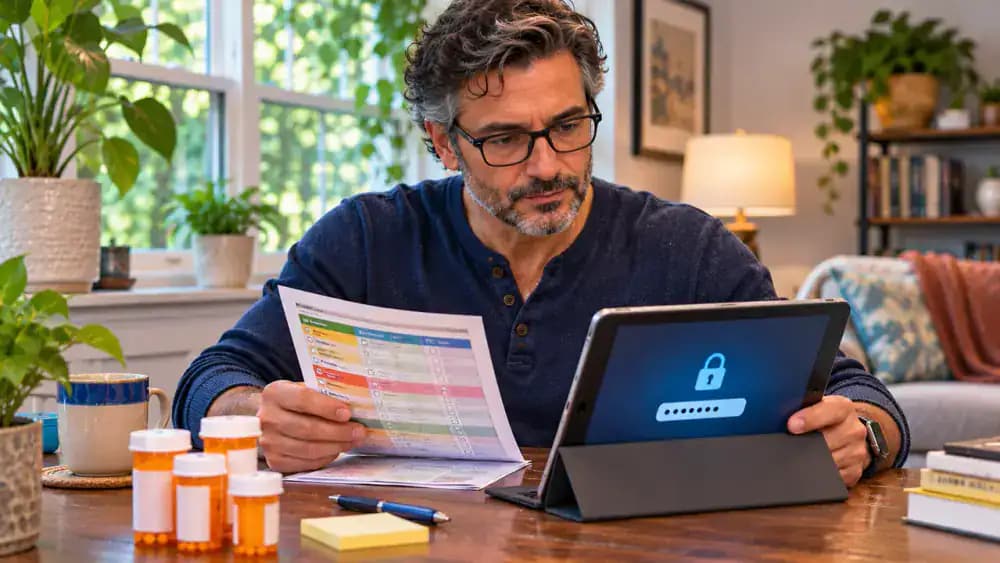
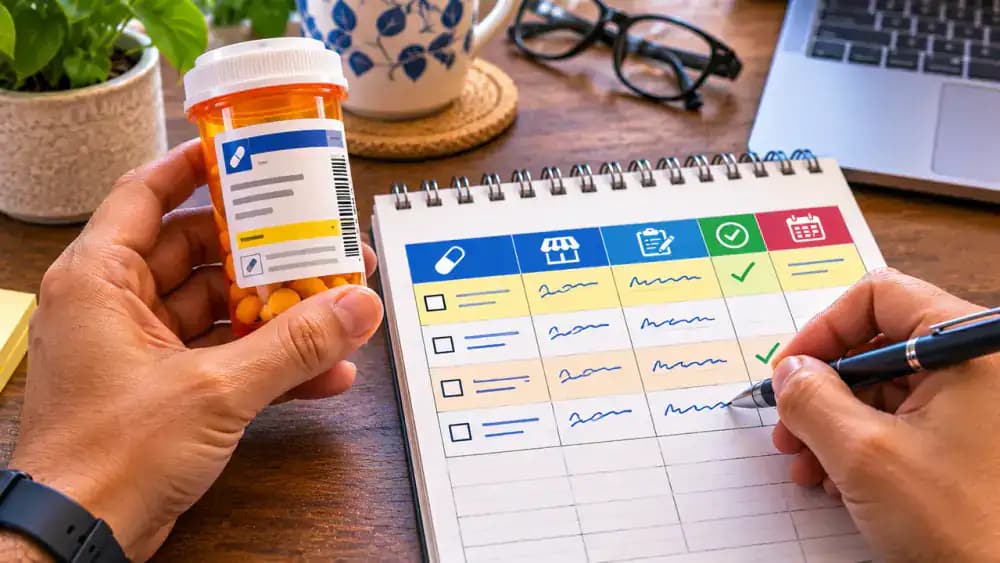
Compare a paper notebook with a digital spreadsheet and choose whichever you can update consistently. Both can track pharmacy contacts, request dates, statuses, and follow-up reminders. If you prefer a tablet or computer, enable screen-lock protection and keep the file in a private account with restricted access. For paper records, use a secure drawer. Avoid placing medication names or prescription numbers in shared calendars or notifications.
Set Up Seven Essential Prescription Tracking Columns
Open a blank spreadsheet and enter seven headings across the first row: Prescription Name, Prescription Number, Pharmacy, Prescriber Contact, Request Date, Current Status, and Next Follow-up. Widen each column so the headings remain readable, then highlight the header row with bold text and a subtle background color. Leave the remaining rows empty until you verify your prescription details. Use the same column layout if you prefer a paper notebook.
Enter Medication Names and Prescription Numbers Accurately
Take one current prescription label and copy the medication name exactly as printed into your tracker. Enter its prescription number in the corresponding field, checking every digit against the original label. For example, a fictional label showing ExampleMed A and RX 482731 should have matching entries in your worksheet. Repeat for each prescription, and record the verification date. If any label is damaged, outdated, or unclear, contact the pharmacy for confirmation.
Record the Correct Pharmacy Location for Each Prescription
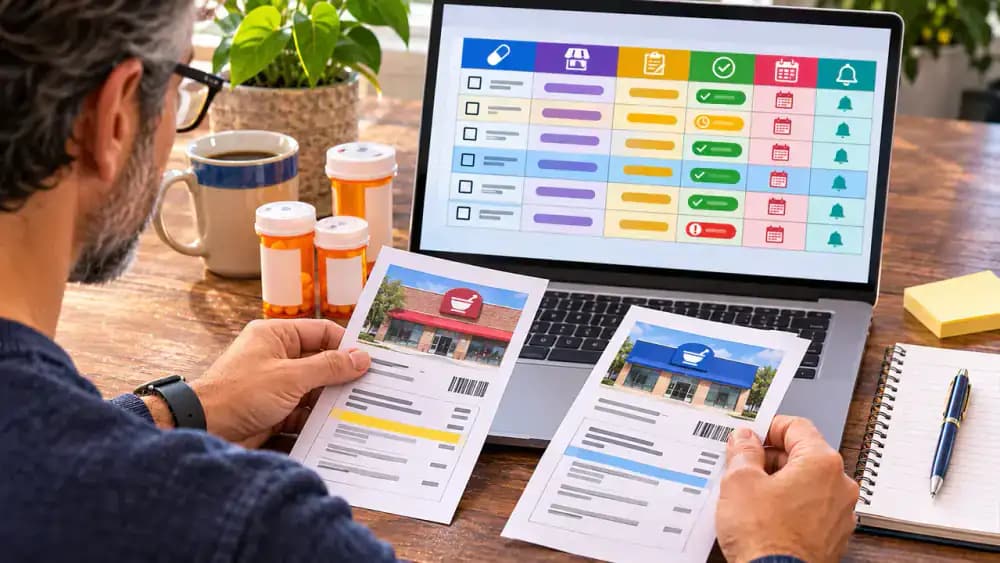
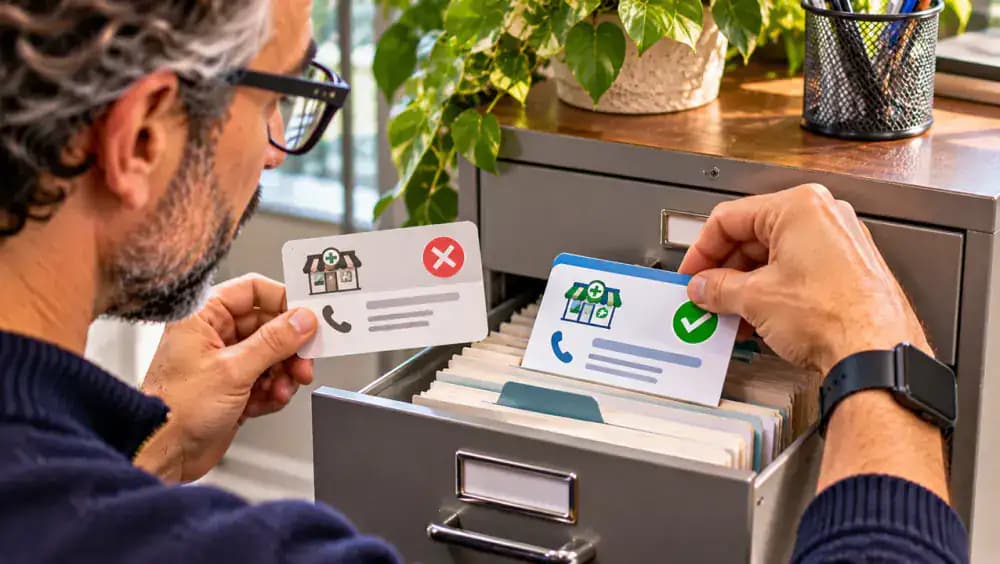
Check the pharmacy name and address printed on each current prescription label, then enter the matching location in your tracker. Pay attention to branch names, especially when using multiple locations of the same pharmacy chain. For example, distinguish Oak Street Pharmacy's North Branch from its South Branch. Highlight different locations to prevent confusion during pickups. If a prescription was transferred or the listed address seems outdated, verify its current location directly with the pharmacy.
Save Pharmacy Phone Numbers and Business Hours
Find the phone number and business hours for each pharmacy branch using its current prescription label, official website, or posted storefront information. Save the details in your phone and tracker, including the branch name, address, and weekend hours. Double-check that the number belongs to the correct location before saving. Note any differences between store and pharmacy counter hours so you know when staff are available for refill questions.
Link Each Prescription to the Correct Prescriber's Office
Check your prescription paperwork to identify the prescribing clinician for each medication. Record the office name, phone number, and patient portal details in your tracker or a separate contact list. Compare the information with the practice's official website, then mark the contact as verified. Keep these details accessible in case your pharmacy reports that a refill requires prescriber authorization. Let the pharmacy or clinician clarify any authorization requirements.

Double-Check Prescription Details and Flag Any Discrepancies
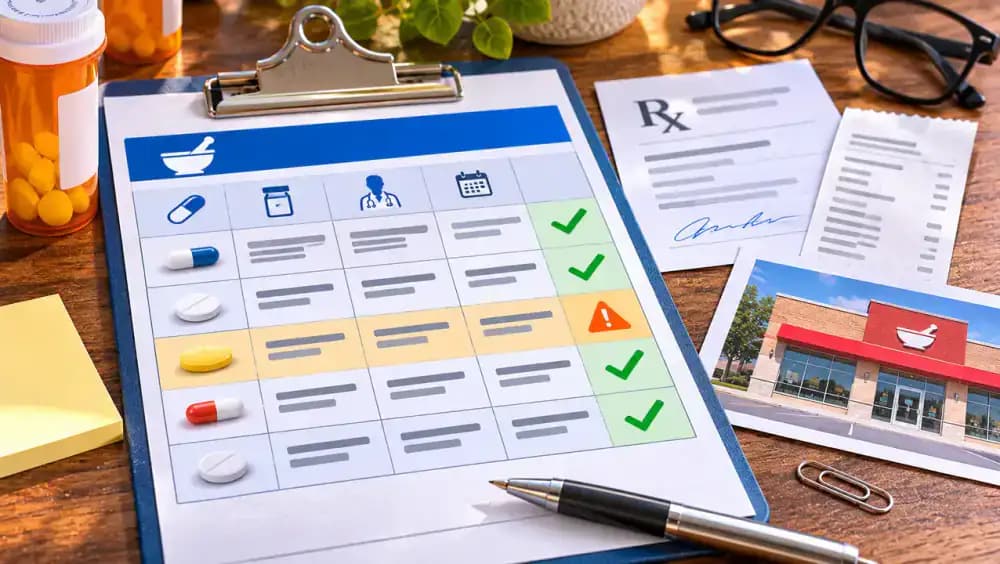
Compare every prescription number, pharmacy location, and prescriber contact in your tracker against the original paperwork. Place a checkmark beside matching entries and record the date each was verified. If information conflicts, mark it Needs Verification rather than guessing or changing the record. Keep unresolved documents in a separate follow-up folder and contact the pharmacy for clarification. Review these details again whenever your pharmacy or prescriber information changes.

Identify How Each Pharmacy Accepts Refill Requests
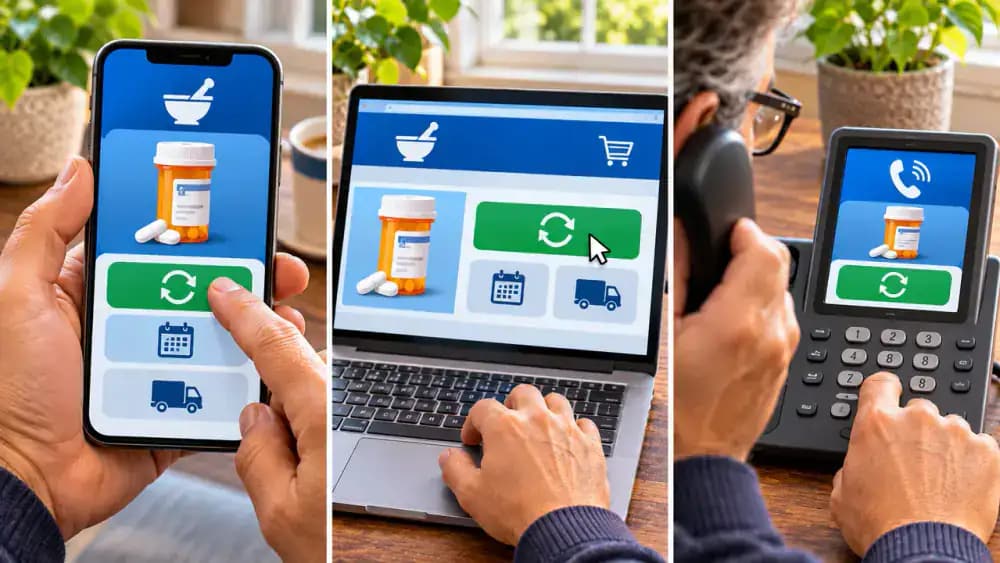
Check your pharmacy's official website, mobile app, or phone instructions to identify available refill request methods. Some locations accept requests through online accounts, while others use automated phone menus or direct calls. Record each supported option in your tracker under Refill Request Methods. Include the correct website or phone number for quick access. Remember that submitting a request does not mean the prescription has been authorized, processed, or prepared for pickup.
Confirm How Your Pharmacy Processes Refill Requests
Ask your pharmacist how refill requests move from submission to confirmation. Find out how the pharmacy acknowledges requests, where processing updates appear, and whether staff contact the prescriber when authorization is needed. Write these procedures in your tracker beside the correct pharmacy location. Ask when to follow up if no update arrives. Processing times vary, and neither a submitted request nor a displayed refill date guarantees authorization or pickup readiness.
Set Your Preferred Pharmacy Refill Notifications
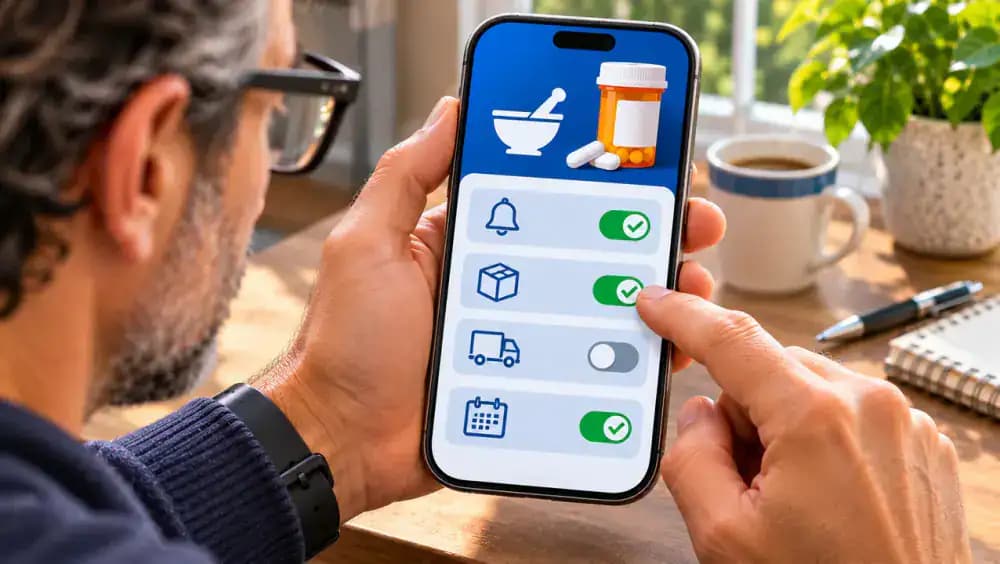
Open your pharmacy account's notification settings and review the available options, including text messages, emails, automated calls, and app alerts. Verify that your phone number and email address are current, then select your preferred notification method and save the settings. Record your choice in the tracker for future reference. Keep sensitive details out of shared notifications, and confirm pickup readiness through an official pharmacy message or direct contact.

Log Every Refill Request With Its Submission Date
After submitting a refill request, enter the actual submission date, pharmacy location, and request method in your tracker. If the pharmacy provides a confirmation number, copy it into a separate field. For example, record November 16, 2026, Online Portal, and fictional confirmation number DEMO-1048. Change the status from Not Requested to Requested, but leave Pickup Confirmed blank. This distinguishes completed submissions from requests you only intended to make.
Assign Clear Status Labels to Every Refill Request
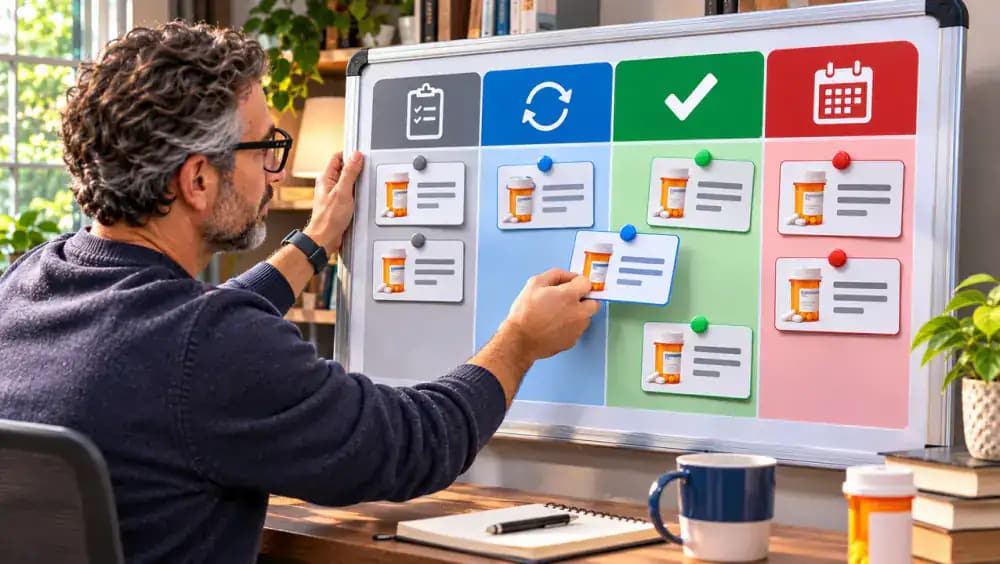
Create six consistent status labels in your tracker: Not Requested, Requested, Processing, Ready for Pickup, Completed, and Needs Follow-up. Assign each prescription the label matching its latest confirmed status. When the pharmacy reports progress, move the request to the appropriate category. Use Ready for Pickup only after pharmacy confirmation, and Completed only after verified pickup or delivery. Keep unresolved requests under Needs Follow-up until you receive updated information.
Schedule Private Reminders for Pending Refill Requests
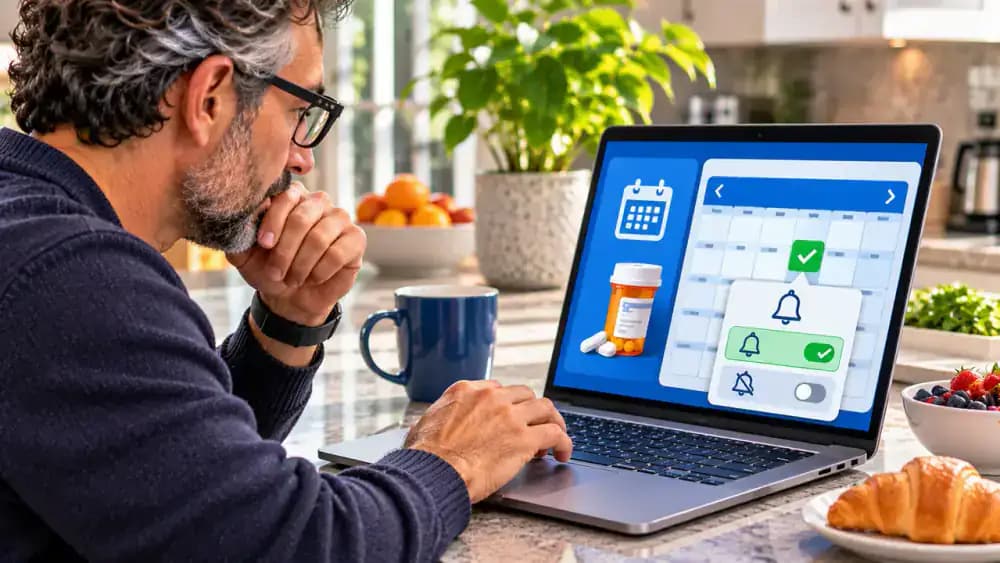
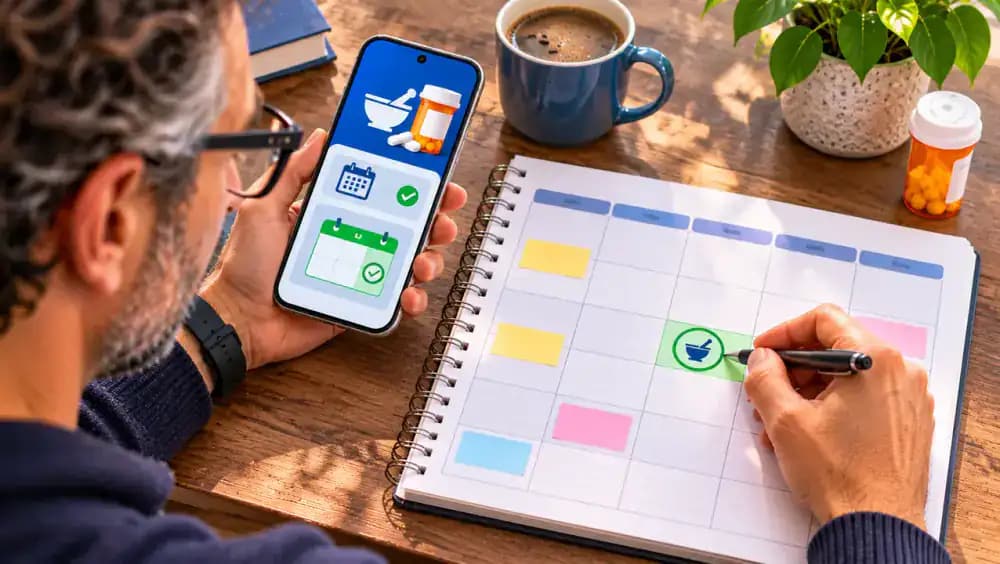
Open your phone calendar or paper planner and schedule a follow-up for each outstanding refill request. Choose a date based on the pharmacy's stated processing timeline, then enter a neutral reminder title such as Check Pharmacy Status. Enable a discreet notification without including medication names or prescription numbers. When the reminder appears, review your tracker, check for pharmacy updates, and contact the pharmacy if the request still needs attention.
Follow Up on Pending Refills and Document Pharmacy Responses
When your reminder appears, open your tracker and locate the outstanding refill request. Review its confirmation number and any recent pharmacy messages before calling the correct branch. Ask whether the request is still processing or requires further follow-up. Record the contact date, pharmacy response, and next action. For example, note November 18, 2026, Still Processing, and Check Again Friday. Keep the request open until the pharmacy confirms its status.
Reschedule Your Refill Follow-Up Using the Pharmacy's Instructions
Review the pharmacy's latest instructions and enter its recommended follow-up date in your prescription tracker. If the pharmacy says to check again Friday, November 20, 2026, record that exact date under Next Follow-up. Cross out the completed Wednesday reminder in your planner, then add a new entry titled Check Pharmacy Status for Friday. Keep the reminder free of sensitive prescription details, and leave the request open until its status is confirmed.

Investigate Delayed Refills Without Assuming Rejection
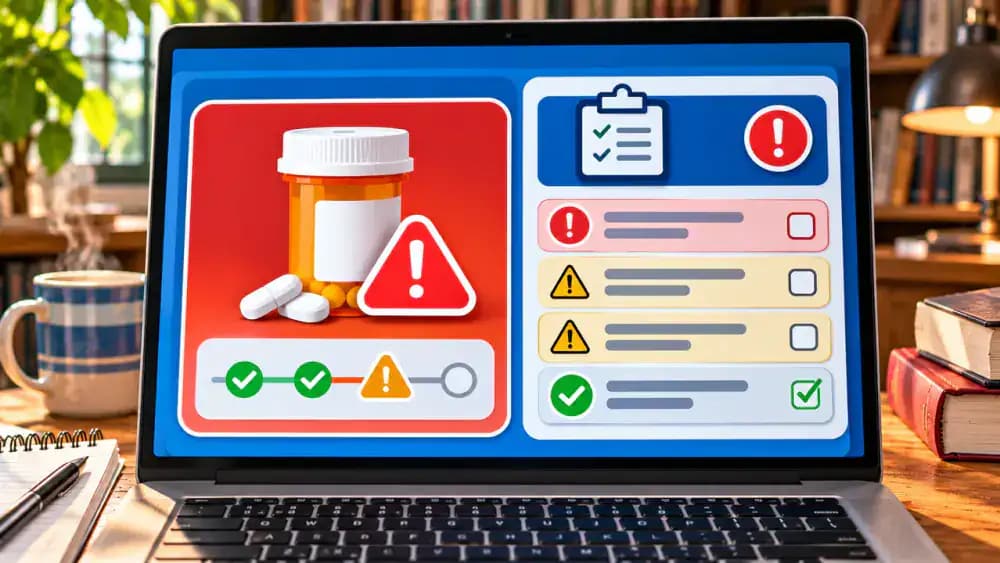
When a pharmacy reports a delayed refill, change its tracker status to Needs Follow-up rather than assuming the request was rejected. Record the delay notice, then contact the pharmacy to ask what is preventing processing, whether additional paperwork is required, and who must respond. Document the explanation, contact details, and next action. If the delay could interrupt your medication supply, contact your pharmacist or prescribing clinician promptly for guidance.
Confirm Who Will Contact the Prescriber's Office
If the pharmacy says a refill requires prescriber attention, record that explanation and the date you received it. Contact the prescriber's office through its official phone number or secure patient portal to clarify the administrative process. Ask whether the pharmacy or office will initiate the next communication, and document the responsible party. Keep the request marked Needs Follow-up until the pharmacy confirms its updated status. Do not assume authorization has been granted.
Keep a Dated Record of Every Refill Follow-Up
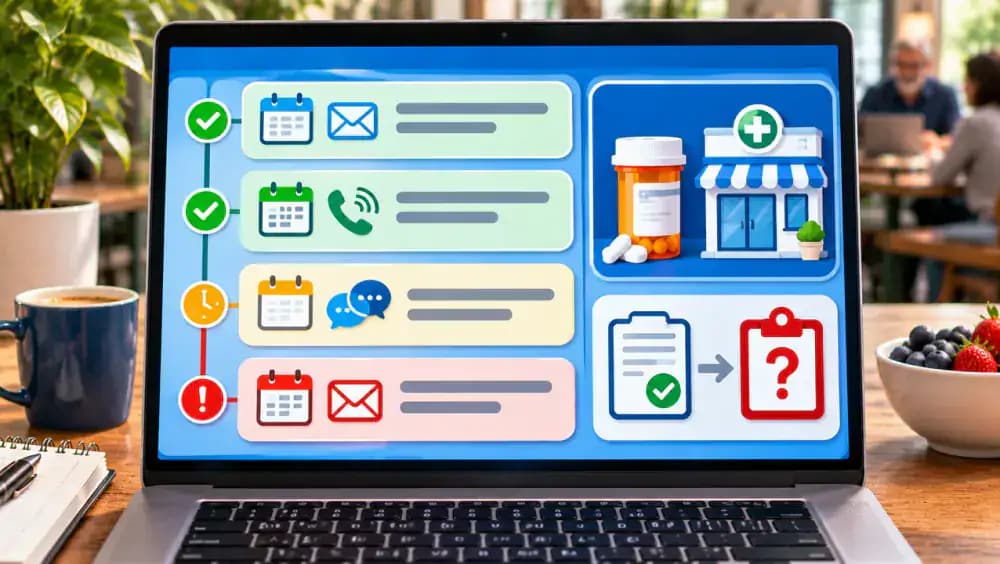
Add each pharmacy or prescriber communication to a chronological log, including the date, contact method, sender, and any reference number. If the prescriber's office reports forwarding information on November 23, 2026, record that statement without treating it as pharmacy approval. Mark the entry Pending Pharmacy Confirmation and leave the confirmation field blank. Contact the pharmacy to verify its latest status, and keep the request open until you receive confirmation.

Verify Pharmacy Pickup Readiness Before Updating Your Tracker
Review the pharmacy's pickup notification and confirm that it matches the correct prescription reference and pharmacy branch. Once readiness is confirmed, change the tracker status from Processing to Ready for Pickup. Record the confirmation date, pickup location, and any collection instructions provided. Check the pharmacy's stated pickup hours before leaving home. Keep the Pickup Completed field unchecked until you have actually collected the prescription or received a confirmed delivery.
Mark Prescription Pickups Complete After Verifying the Receipt
After collecting your prescription, compare the prescription number on the pharmacy receipt with the corresponding tracker entry. Confirm that the reference numbers match before marking the request Completed. Enter the actual pickup date, such as November 24, 2026, and save the receipt in a secure folder or envelope. If the receipt contains unexpected information or a mismatched number, ask the pharmacist for clarification before closing the tracking record.
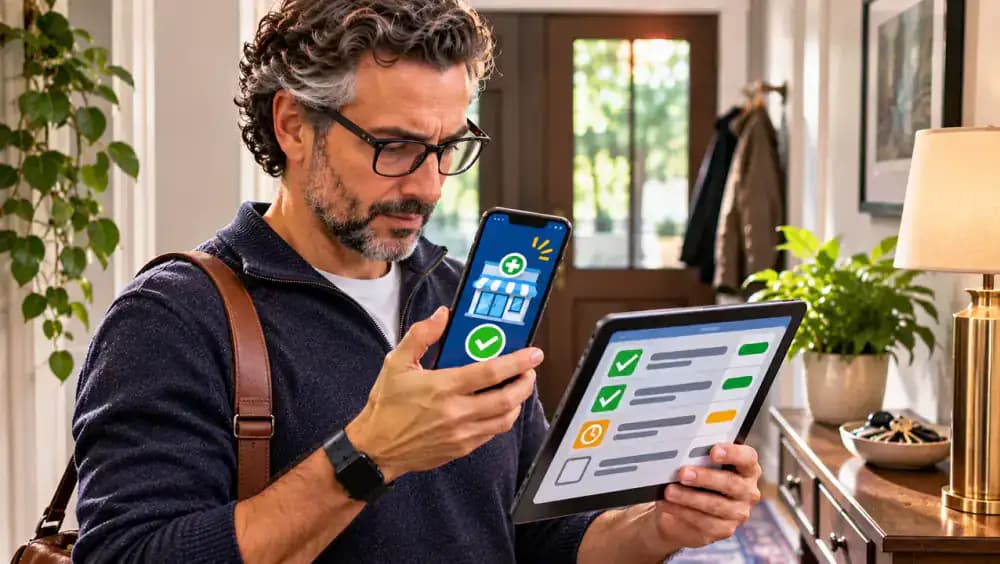
Verify Prescription Deliveries Before Marking Them Complete
For delivered prescriptions, record the expected arrival date, delivery service, and tracking reference provided by the pharmacy or carrier. Monitor shipping updates, but do not mark a request Completed when it only shows Shipped or Out for Delivery. Once the package arrives, compare its prescription reference with your tracker and record the actual delivery date. If the package is missing or incorrect, mark Needs Follow-up and contact the pharmacy.
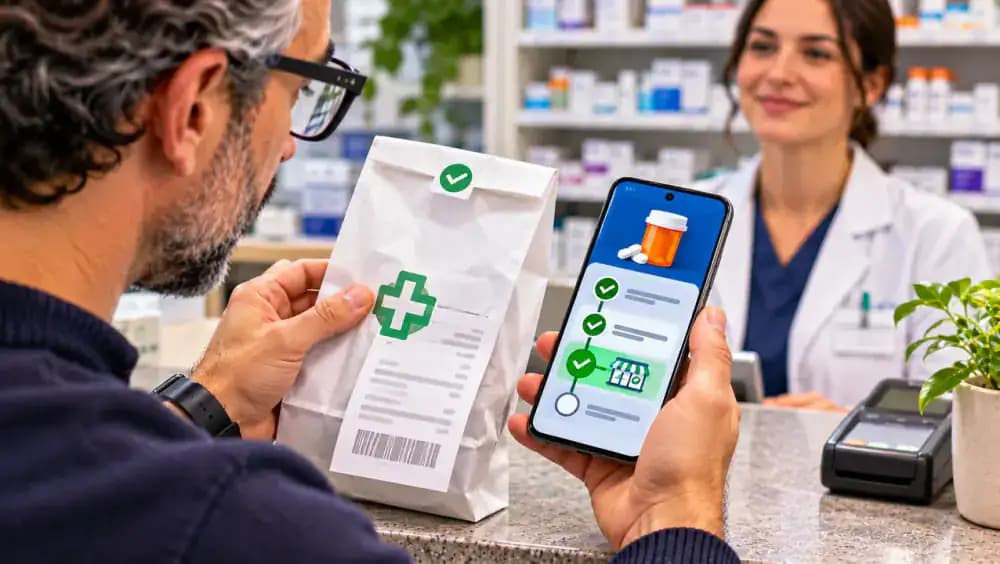
Flag Outstanding Refills That Still Need Attention
Review your tracker and identify requests marked Requested, Processing, or Needs Follow-up. Separate these entries from completed pickups and deliveries so unresolved items stand out. Flag missing pharmacy confirmations, unanswered messages, and overdue callbacks with a colored marker or spreadsheet highlight. For each outstanding request, check the latest update date and write a specific next action. Keep every unresolved entry visible until the pharmacy provides confirmation or further instructions.
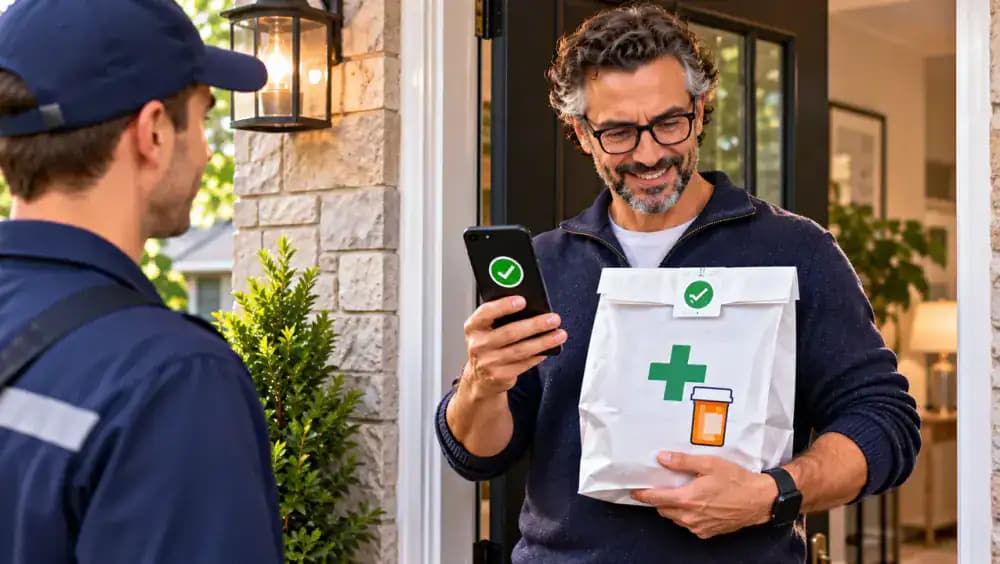
Make Prescription Tracking a Weekly Habit
Choose a consistent day each week to review your prescription tracker, such as Sunday morning. Compare outstanding requests with recent pharmacy notifications, update contact dates, and schedule follow-ups for unresolved items. Mark verified pickups or deliveries as Completed, then file receipts in a secure folder. Flag any missing confirmations or outdated information for pharmacy verification. Add a recurring calendar reminder so your weekly review becomes part of your regular routine.
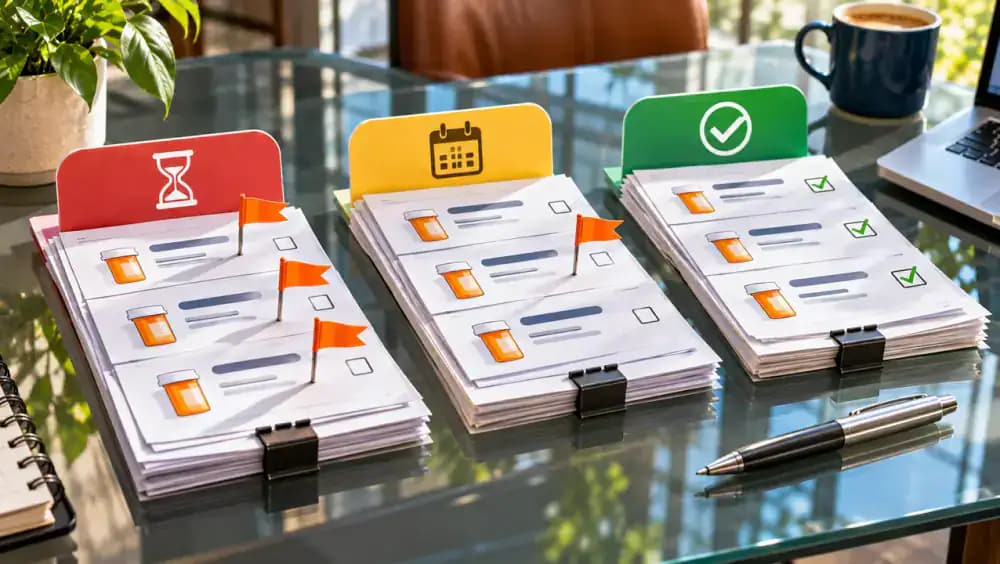
Update Pharmacy and Prescriber Contacts When Details Change
During your weekly review, check whether any pharmacy phone numbers, branch locations, or prescriber contacts have changed. Compare outdated entries with current information from official pharmacy or medical office sources. Replace incorrect details only after verification, and record the date, such as November 29, 2026, beside Last Verified. Store superseded contact records securely to avoid confusion. Accurate contact information helps direct future refill questions to the correct pharmacy or office.
Secure Your Prescription Tracker and Remove Unnecessary Access
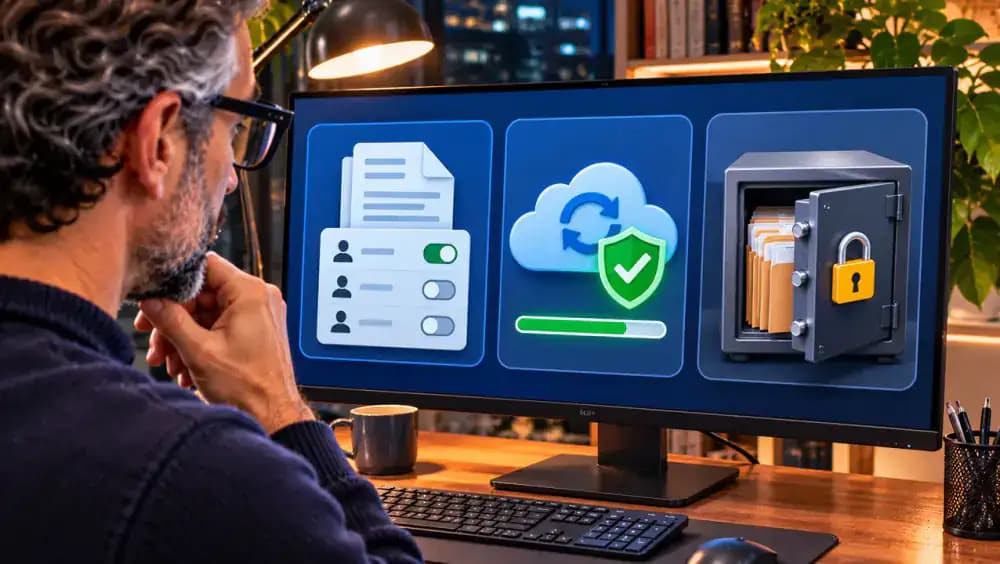
Open your digital tracker's sharing settings and confirm that only authorized people can access the file. Remove outdated permissions, enable appropriate account protection, and create a secure, encrypted backup. If you keep paper records, store them in a locked drawer or safe. Add a privacy check to your weekly review, and share only necessary information with authorized caregivers. Verify that your backup can be accessed when needed without exposing sensitive details.
Understand Why Refill Tracking Cannot Replace Medical Guidance
Use your tracker strictly to organize refill requests, pharmacy confirmations, and follow-up communications. A status such as Ready for Pickup does not establish whether a medication is medically appropriate or authorized for use. Never start, stop, skip, ration, substitute, or change medication or dosage based on tracking information. Contact your pharmacist or prescribing clinician about medication questions, missed doses, or supply interruptions. Seek urgent medical care for urgent symptoms.
Add Your First Prescription and Build a Simple Tracking Habit
Choose one current prescription label and enter its identifying details, pharmacy location, and prescriber contact into your notebook or spreadsheet. Add the latest confirmed administrative status and any follow-up date provided by the pharmacy. Check the information against the original label, then mark the entry as recorded. Leave additional rows available for other prescriptions. Update your tracker whenever new pharmacy messages arrive, and review outstanding requests every week.

A few prescription bottles on the counter, pharmacy receipts tucked into different drawers, and a pickup notification you meant to check three days ago. Sound familiar? When you manage multiple prescriptions, it can be surprisingly difficult to remember which refills you've requested, which ones are still being processed, and which are ready for pickup. A missed notification or an unanswered refill request can quickly turn a simple errand into a frustrating series of phone calls. The good news is that you don't need a complicated system to keep everything straight.
A simple prescription refill tracker gives you one reliable place to record medication details, pharmacy contacts, request dates, pickup confirmations, and follow-up reminders. In this guide, you'll learn how to build that tracker using a notebook or spreadsheet, check outstanding requests, and establish a quick weekly review routine while keeping your personal health information private. This system handles organization, not medical decisions. Always ask your pharmacist or prescribing clinician about medication questions, missed doses, or supply interruptions.
Where people go wrong
Assuming a Refill Request Means Your Prescription Is Ready. Submitting a refill request doesn't guarantee that the pharmacy has processed or approved it. Some requests require additional verification or prescriber authorization. Record each request as pending until the pharmacy confirms its status, and never treat refill eligibility as medical authorization.
Recording Incomplete or Outdated Prescription Information. Missing prescription numbers, incorrect pharmacy locations, or outdated prescriber contacts can create confusion when checking refill requests. Copy medication names and prescription numbers exactly as printed on current labels, record when you verified the information, and contact the pharmacy directly to resolve discrepancies.
Relying on Pickup Notifications Instead of Tracking Follow-Ups. Pharmacy text messages, emails, and app notifications can be missed, delayed, or overlooked. Without a separate tracking system, unresolved requests may go unnoticed. Record request dates, set discreet calendar reminders, and check directly with the pharmacy when confirmation hasn't arrived. Avoid including sensitive medication details in notifications.
Marking Prescriptions Complete Before Confirming Pickup. A prescription marked ready isn't necessarily picked up or delivered. Closing the request too early creates an inaccurate record and makes outstanding orders harder to identify. Verify completed pickups or deliveries against pharmacy confirmations, record the completion date, and review unresolved requests weekly. Discuss supply interruptions with your pharmacist or prescriber.
Questions people ask
Record each medication name exactly as printed on its label, prescription number, pharmacy location, prescriber contact information, and the date you verified those details. For each refill, add the request date, current status, follow-up reminder, and pickup or delivery confirmation. Keep the tracker secure to protect your personal health information.
Fixed it?
Get one guide like this every Thursday.