How to Organize Medical Records Before a Specialist Appointment
Get your medical records ready before your specialist visit with a simple system for gathering reports, tracking missing documents, preparing questions, and sharing information securely.
What you’ll need
Tap to tick things off before you start.
The Medical Records Scramble
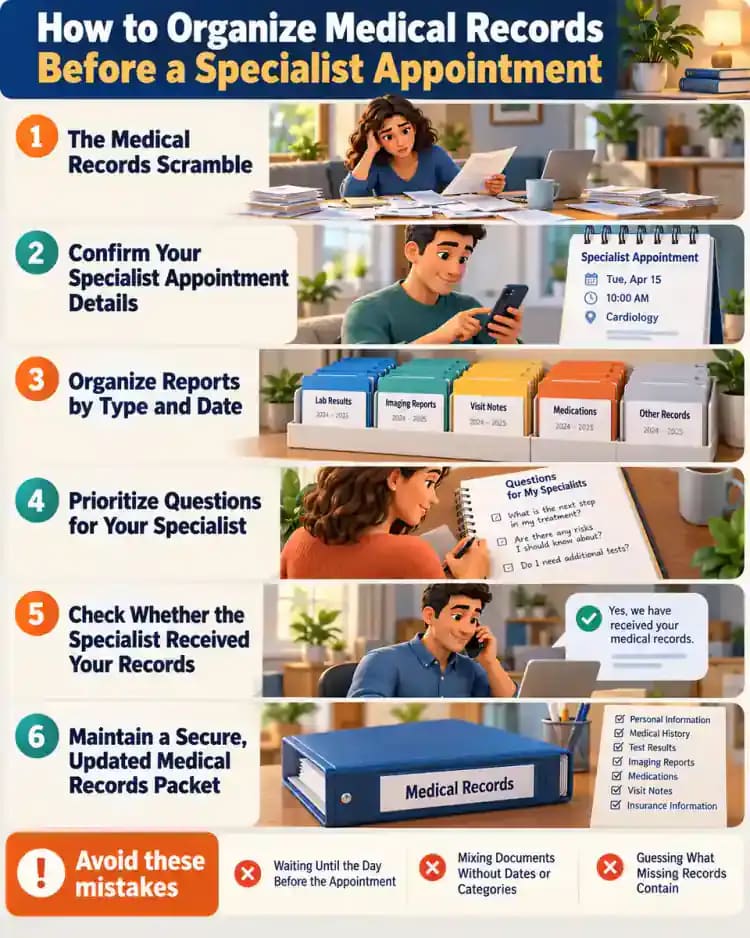
Your specialist appointment is coming up, but your medical records are scattered across patient portals, emails, and paper folders. A lab report may be buried in your inbox while your medication list sits in a folder with outdated paperwork. Start by gathering everything you already have in one workspace. Use fictional or redacted documents when practicing, and keep personal information out of view while you sort through your records.

Build a Simple Appointment Packet
Bring the paperwork together in one slim folder with labeled sections for appointment details, medical records, your current medication list, questions, and care-team contacts. Place the appointment confirmation near the front so it is easy to find. Add only records relevant to this visit, and leave unrelated paperwork aside. This packet is an organizational tool, not a way to interpret test results or make medical decisions.

Prepare a Clean and Private Workspace
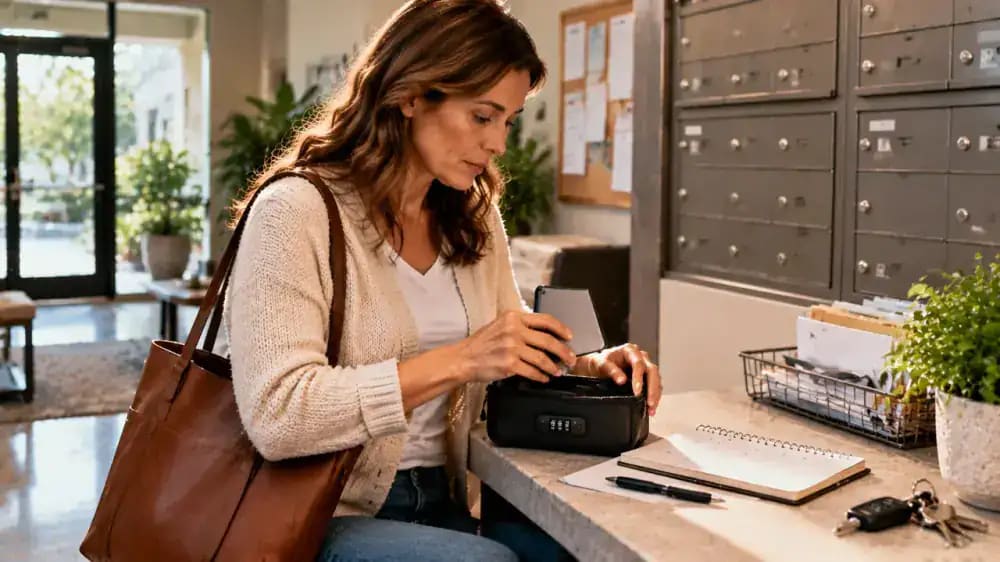
Choose a quiet, well-lit area where you can review sensitive paperwork without interruptions. Clear unrelated mail, magazines, and household items from the table, then set out a folder, pen, sticky notes, and a blank checklist. Position your laptop so its screen cannot be seen from an open doorway, and close the door if possible. Keep documents out of sight whenever you step away from your workspace.

Set Up Your Secure Digital Records Folder
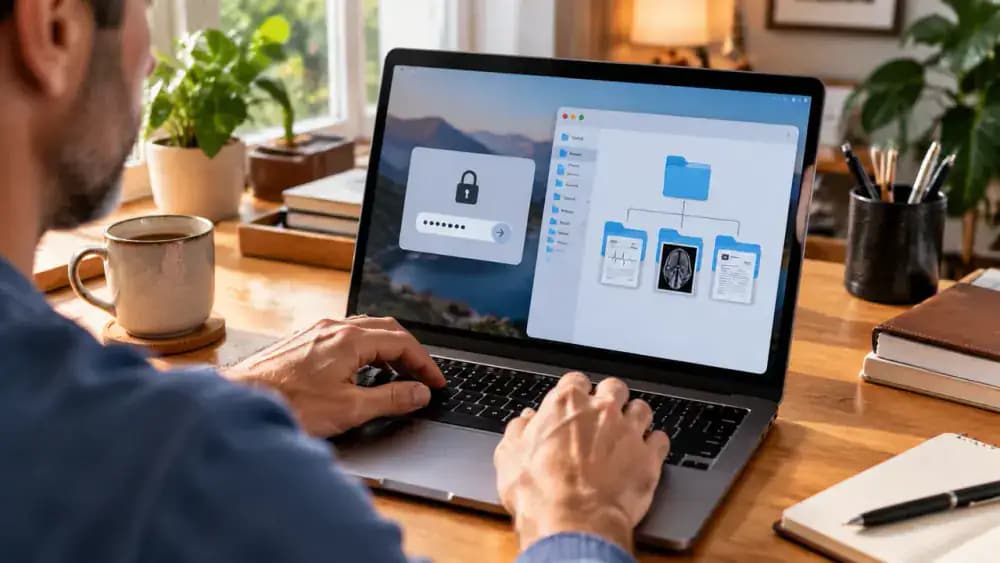
On your personal computer, create a main folder labeled Specialist Appointment with the visit date, then add subfolders for Referrals, Reports, and Visit Summaries. This structure makes electronic documents easier to locate when preparing your packet. Store files in a secure, password-protected account, enable automatic screen locking, and restrict access to authorized people. Avoid public or shared computers when handling sensitive medical information, and use fictional details in demonstrations.
Build Your Appointment Preparation Checklist
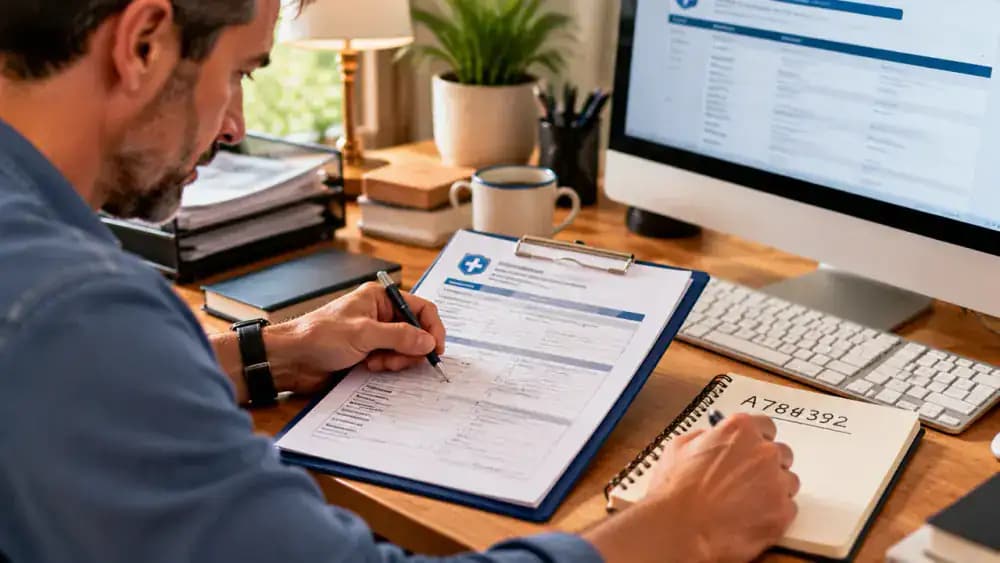
Use a clipboard or notebook to create a checklist with three columns: Task, Status, and Date. Include appointment confirmation, referral status, requested records, an updated medication list, questions for the specialist, and secure sharing arrangements. Mark each item as pending or complete, and record when you requested missing documents. Keep the checklist beside your appointment calendar so you can follow up before the visit rather than discover gaps on the day.

Confirm Your Specialist Appointment Details
Check your appointment confirmation for the specialist's office name, address, date, time, and visit type. Review any check-in instructions, required forms, or arrival guidance included in the notice. If a detail is missing or unclear, call the office directly to verify it. Write the confirmed information on your checklist or appointment card, and note any instructions you still need to complete before the visit.

Check Your Referral and Insurance Authorization
Ask the specialist's office whether you need a referral, insurance authorization, or both. These are separate requirements, so verify each with the referring doctor's office or your insurer rather than assuming one covers the other. Record the submission date, reference number, responsible office, and next step on your tracking sheet. If either item remains pending, ask who will follow up and when you should check again.
Confirm Which Medical Records the Specialist Needs
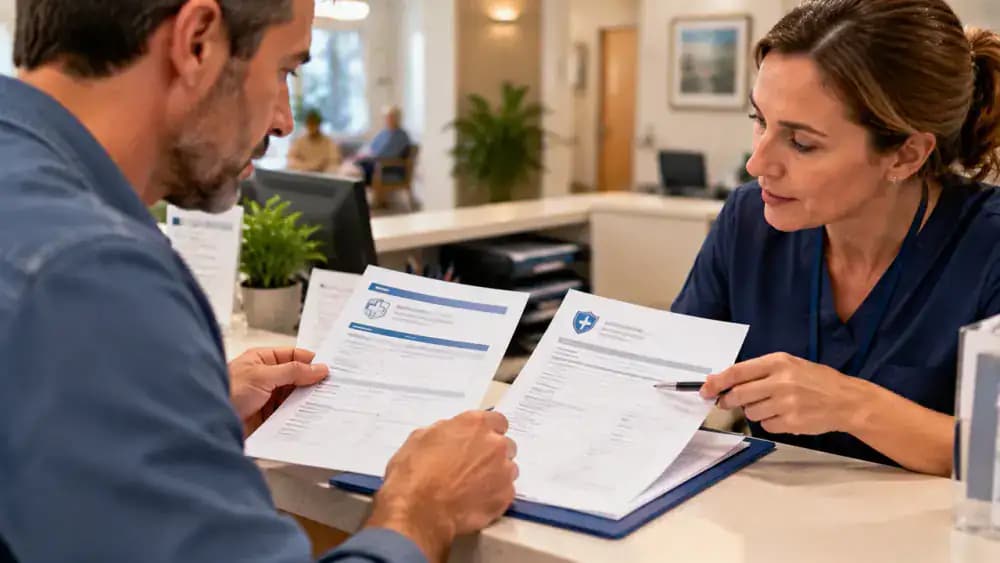
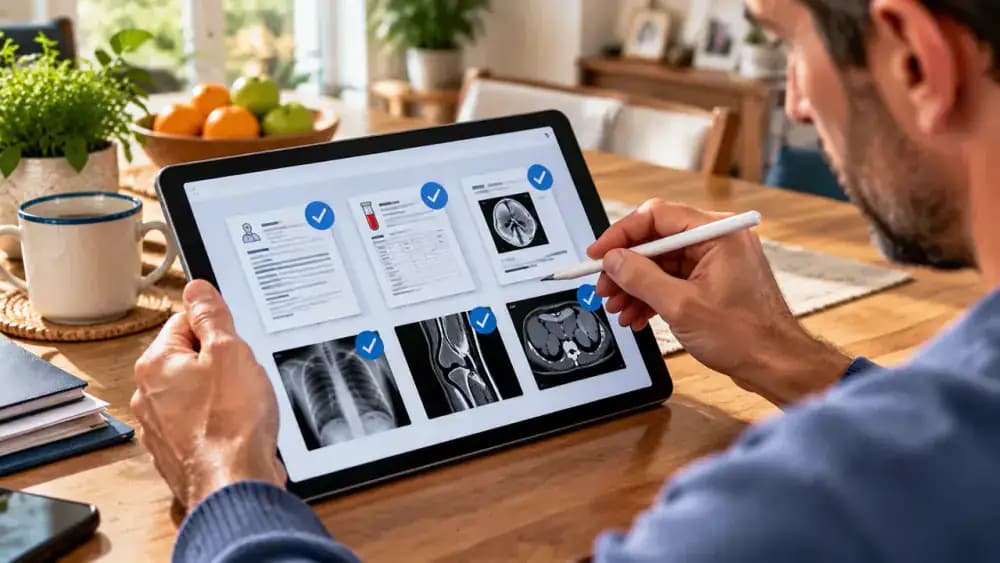
Ask the specialist's office which records are required, including recent visit notes, laboratory reports, imaging reports, and original imaging files if needed. Confirm the requested date range and whether your referring doctor's office will send documents directly. Record each record type, responsible sender, and preferred delivery method in a tracking table. Mark unconfirmed requirements as pending so you can follow up without gathering unnecessary paperwork.
Request Missing Records From the Right Office
For each missing document, identify the provider or office responsible for keeping it, then contact its medical records department or follow its official request process. Ask which forms, identification, fees, and processing times apply. Before submitting, check the requested date range and receiving office. Record the submission date and confirmation number in your tracker, and leave delivery marked pending until receipt is confirmed.
Track Requests and Follow Up on Delays
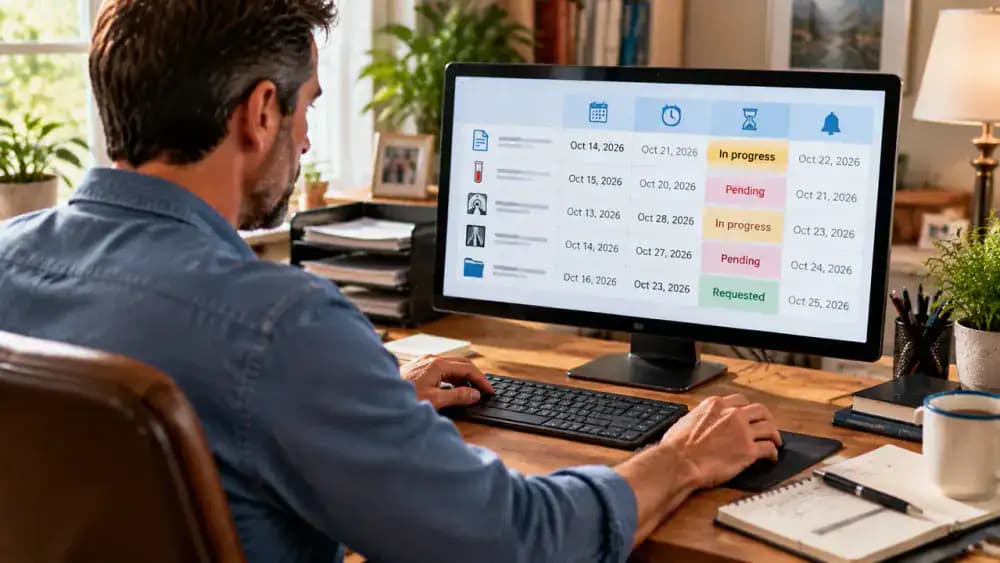
Update your tracking spreadsheet with each request's submission date, confirmation number, expected processing time, current status, and next follow-up date. If the expected date passes without an update, contact the records department and note its response. Keep the delivery status pending until the specialist's office confirms receipt. Set a calendar reminder for your next follow-up so delayed paperwork does not slip through the cracks before your appointment.
Collect Records From Your Patient Portals
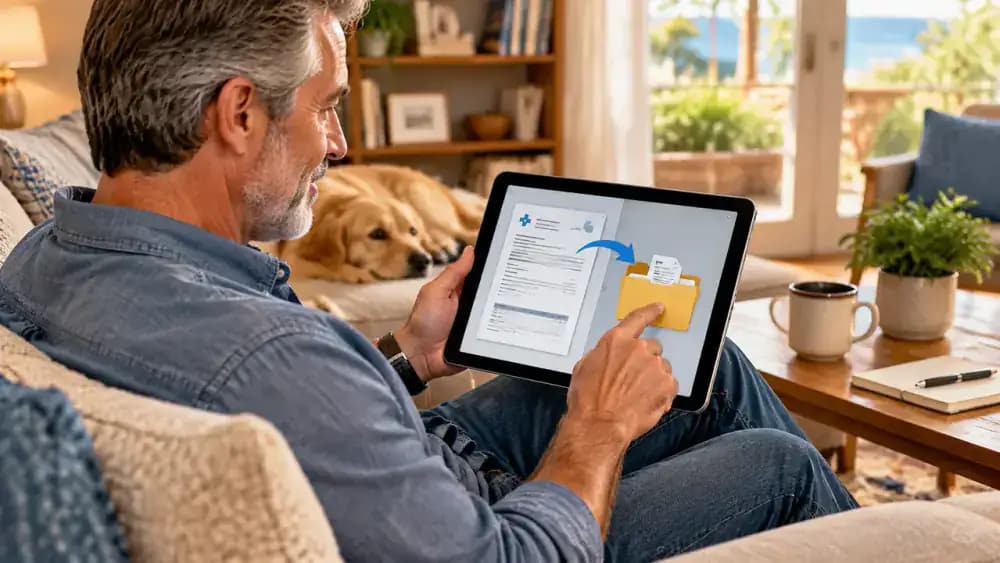
Sign in to the patient portals you already use and look for relevant visit summaries, discharge documents, laboratory reports, and downloadable records. Check each document's date, save it to the matching folder, and use a clear filename such as Visit-Summary-2026-10-05.pdf. If a report is unavailable, add it to your follow-up list and contact the provider if needed rather than assuming the document does not exist.
Organize Reports by Type and Date
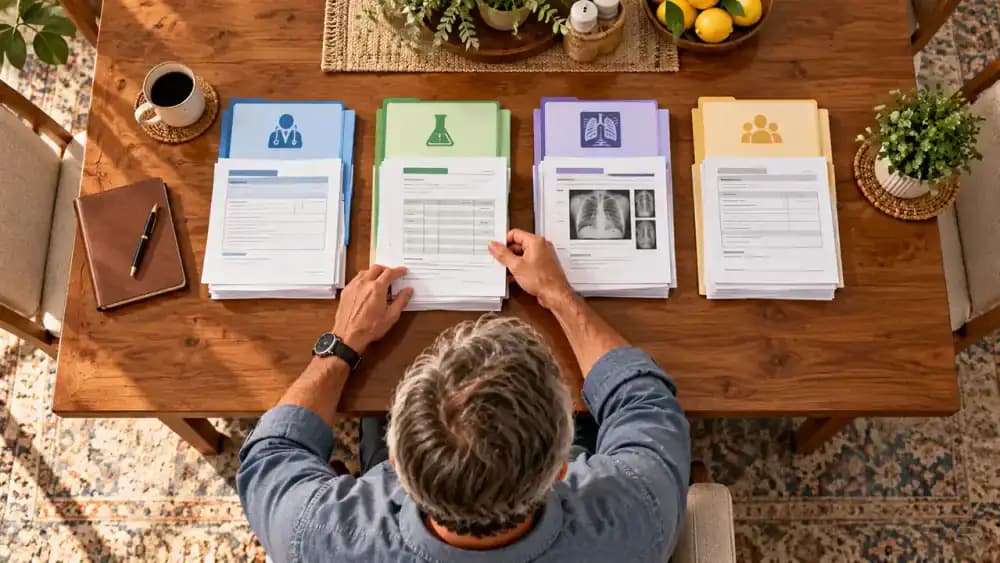
Separate your paperwork into labeled groups for visit summaries, laboratory reports, imaging reports, and referral documents. Check the date on each document, then arrange each group with the newest item on top. Apply the same categories to your digital folders and use filenames that identify the document type and date. Avoid adding unnecessary personal details, and keep missing records on your follow-up list instead of filling gaps yourself.
Check Imaging Access Before Appointment Day
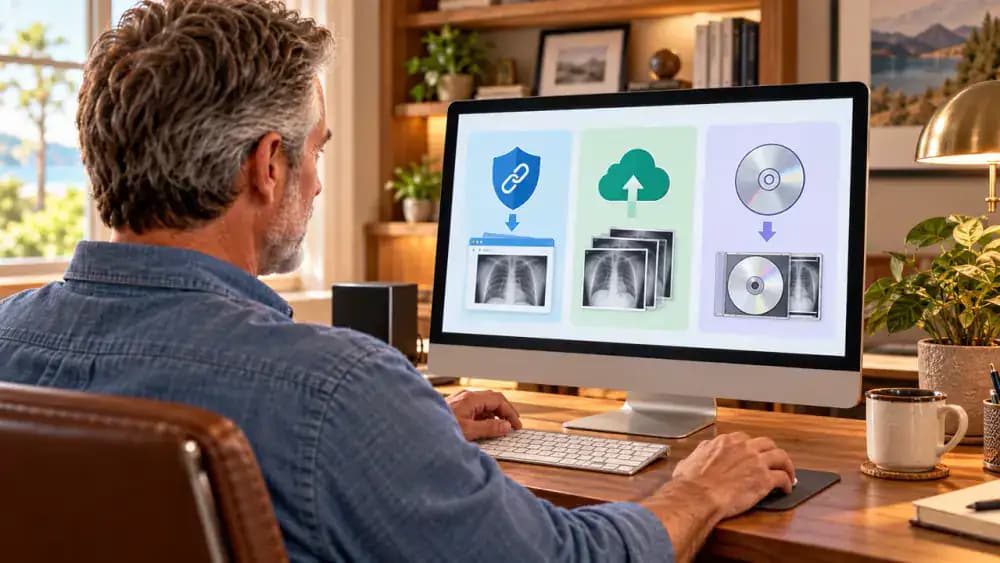
Review the specialist's instructions to find out whether you need access to the actual imaging files in addition to the written radiology report. Contact the imaging center if the delivery method is unclear. Ask whether images are shared through a secure link, electronic transfer, or disc pickup, then record the method and contact details in your packet. Confirm access instructions before appointment day to avoid last-minute delays.
Create an Accurate Current Medication List
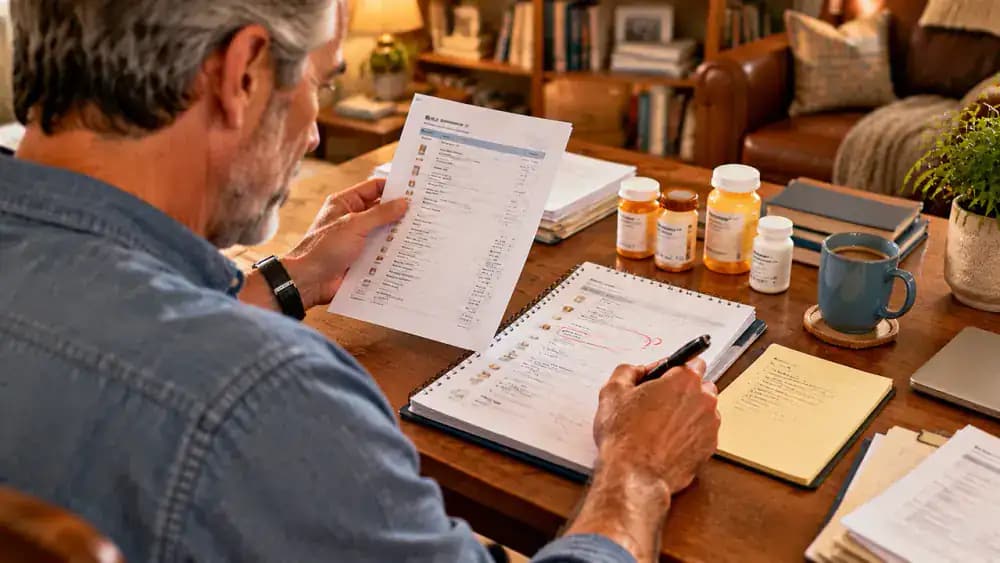
List every prescription medicine, over-the-counter product, and supplement you currently use. Check reliable, current labels or pharmacy records for each name, dose, and schedule instead of relying on memory. Enter the information on a medication worksheet and mark anything unclear or outdated as needing confirmation. Ask your pharmacist or qualified care team to clarify uncertain details, and never change or stop medication simply because you are organizing records.

Add Pharmacy and Care Team Contact Details
Create a contact sheet with the names and phone numbers for your pharmacy, primary care office, and relevant specialists. Add office hours and preferred contact methods when available. Check each entry against a reliable source, such as a recent pharmacy receipt or office letter. If a number or detail is uncertain, mark it for confirmation rather than guessing, so you know whom to contact when paperwork needs follow-up.

Review Your Medication List for Accuracy
Compare each entry on your medication worksheet with current prescription labels, pharmacy records, or instructions from your care team. Check medication names, listed doses, schedules, spelling, and any allergies or reactions you need to report. Mark discrepancies and unclear details with a note for professional confirmation. Do not guess, stop taking medication, or change a dose during this review. Ask your pharmacist or qualified care team to clarify uncertainties.
Write a Brief Medical History Timeline
Create a short timeline of relevant healthcare events using existing appointment cards, visit summaries, and referral records. List events such as primary care visits, referral submissions, imaging appointments, and follow-up visits in chronological order. Keep each entry factual and brief, including dates when confirmed. If you cannot verify a date, label it approximate or leave it for review instead of guessing or interpreting medical findings.

Prioritize Questions for Your Specialist
Write down the questions you want to address during the appointment, then arrange them by priority. Start with practical concerns, such as whether requested records have arrived, followed by questions about follow-up arrangements and how to access visit notes. Keep each question short and neutral, and leave space for answers. Bring a small notepad or use an approved note-taking method so you can capture instructions during the visit.
Create a One-Page Appointment Summary
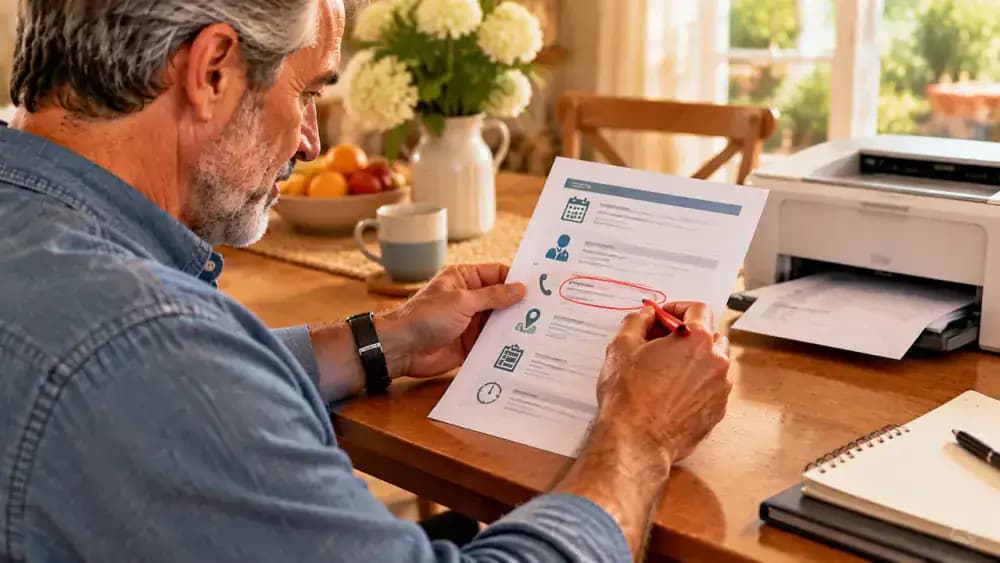
Bring the most useful appointment details together on a single page with clear sections for appointment information, care team contacts, your current medication list, and a brief timeline of relevant events. Compare each entry with your source records before printing. Mark incomplete details for confirmation, then place the page at the front of your packet for quick reference. Keep the full records behind it, since this summary is not a replacement for them.
Assemble and Review Your Appointment Packet
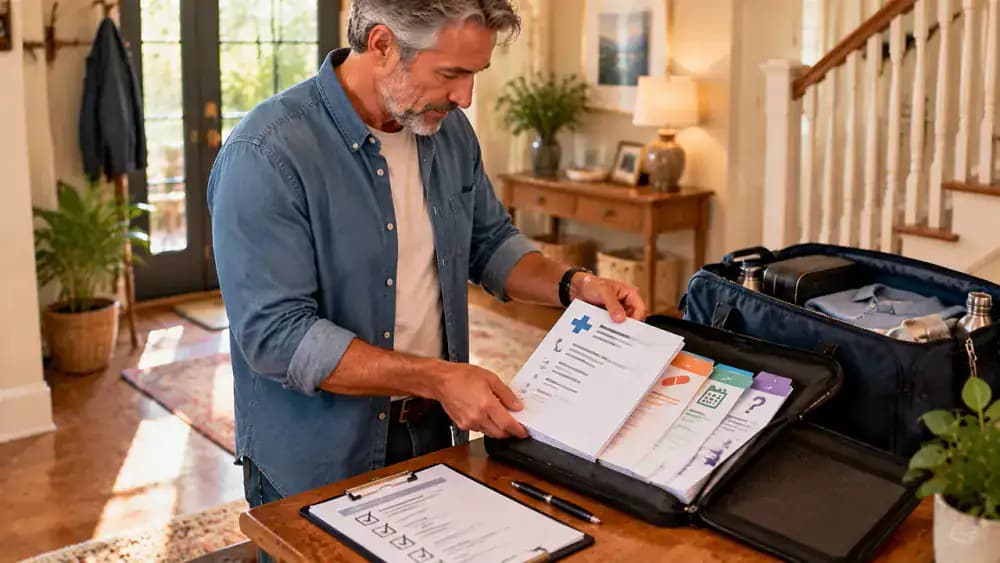
Check your packet against the final checklist before putting it away. Verify that it contains the appointment confirmation, requested records, current medication list, care team contacts, brief timeline, one-page summary, and prioritized questions. Keep missing documents clearly marked for follow-up instead of guessing their contents. Place the papers in a protective folder or document case, then store it securely in your bag so everything is ready to bring to the specialist visit.
Share Records Through an Approved Secure Method
Ask the specialist's office which secure method it accepts for receiving medical records, such as its patient portal or an approved transfer service. Before uploading, verify the recipient and select only the requested files. Review your selection carefully, then save any submission confirmation in your secure records folder. Avoid ordinary email or public sharing links for sensitive documents unless the office confirms that the process is appropriate and secure.

Confirm Caregiver Permission Before Sharing Records
If a caregiver helps manage your appointments, check your permission requirements before sharing private medical information. Ask the specialist's office which authorization form it accepts, what information the caregiver may access, and whether permission expires or has limits. Complete the approved process and keep a copy with your appointment packet. Never share account passwords for convenience; use the office's authorized access and communication procedures instead.

Protect Paper Records During Travel
Place your paper records in a closed, opaque document case to keep pages together and prevent others from seeing sensitive information. Carry the case in a bag that stays with you rather than leaving it visible inside a parked car. Before departing, check your appointment card and any required imaging access instructions. Keep the packet easy to reach, but secure it whenever you are not actively using it.

Check Whether the Specialist Received Your Records
Review the secure portal or submission confirmation to see whether your requested records have been received. If the status is unclear, contact the specialist's office and ask which documents are on file and which remain outstanding. Record the date, contact person, response, and next step in your tracker. Leave unconfirmed items marked pending, and follow up before the appointment rather than assuming a successful upload means the office has everything.

Prepare a Simple Plan for Missing Records
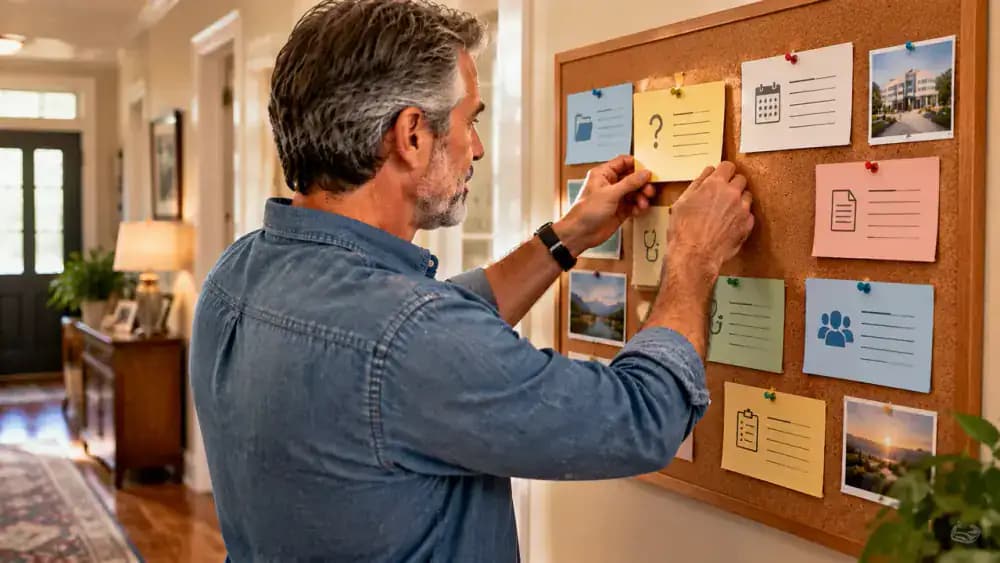
Turn each missing document into a specific follow-up task on your tracking board or checklist. Record the name of the missing record, the office to contact, your last contact date, and the next planned follow-up. Keep unresolved requests marked pending, and notify the specialist's office if an important item remains unavailable. Never recreate missing reports or guess their contents; ask the care team how to proceed.

Review Appointment Instructions Before Leaving
Read the specialist's instructions and compare them with your checklist before heading out. Verify the arrival time, check-in requirements, referral paperwork, insurance information, and any imaging access details the office requested. Gather identification and other required documents in a closed document wallet alongside your appointment packet. If an instruction is unclear or seems to have changed, contact the office before leaving rather than relying on an assumption.

Prepare to Take Notes During the Appointment
Pack a small notebook or prepare an approved note-taking method before your visit. Divide a fresh page into sections for clinician instructions, follow-up tasks, and expected visit notes, then add the appointment date at the top. Keep the notebook in an easy-to-reach pocket of your bag so you can find it quickly. If you want to record the conversation, ask permission first and follow applicable rules.

Update Your Packet After the Specialist Visit
After your appointment, add the new visit summary to the correct section of your packet when it becomes available. Update your chronological timeline with the appointment date, then record any follow-up tasks, referrals, or instructions that need attention. Keep reminders separate from your medical records so unfinished tasks remain visible. Maintain an accurate medication list, but never change a dose or stop a medicine based on paperwork alone; contact your care team about unclear instructions.

Keep Medical Questions With Your Care Team
Use your organized packet to prepare questions for a qualified health professional, especially when records contain unclear instructions or information you do not understand. Keep a reminder card listing questions, medication instructions to confirm, and follow-up contacts. Your paperwork can support a more organized conversation, but it cannot determine the right treatment. Never stop or change medication on your own, and seek appropriate urgent medical care if urgent symptoms arise.

Maintain a Secure, Updated Medical Records Packet
Keep your appointment packet in a secure location and maintain a protected digital copy for future visits. When new records arrive, file them in the correct category and update your factual timeline. Add a recurring reminder to review the packet after each appointment, and restrict access to authorized people. Remember that organization supports communication, not medical decision-making. Ask qualified clinicians about results or unclear instructions, never change medication independently, and seek urgent care for urgent symptoms.

Your specialist appointment is coming up, but the information you need is scattered across patient portals, paper folders, emails, and different doctors' offices. You might have recent lab reports in one place, imaging instructions in another, and an outdated medication list tucked into a folder. Trying to pull everything together at the last minute can add unnecessary stress to an already busy day. A simple, organized appointment packet can help you keep track of what you have, what is missing, and what you want to ask.
You do not need special software or a complicated filing system to get started. With a labeled folder, secure digital storage, and a short checklist, you can gather relevant visit summaries, organize reports by category and date, and prepare a one-page summary of appointment details and your current medication list. You will also learn how to track outstanding records and share documents securely with the specialist's office. This guide covers administrative preparation, not medical advice. Do not interpret results on your own or change medications or treatment based on paperwork alone. Contact a qualified clinician about medical questions or urgent symptoms.
Where people go wrong
Waiting Until the Day Before the Appointment. Requesting records at the last minute can leave too little time for doctors' offices to respond. Confirm the specialist's requirements early, track each request, and follow up on missing documents instead of assuming everything will arrive before your visit.
Mixing Documents Without Dates or Categories. Putting every report into one folder without labels makes it harder to find relevant information during an appointment. Group records by type, such as visit summaries, laboratory reports, and imaging instructions, then arrange each group by date for easier reference.
Guessing What Missing Records Contain. An incomplete file can tempt you to fill gaps from memory or assume what a report says. Do not guess or interpret missing information. Mark outstanding records clearly, contact the relevant provider, and let qualified clinicians address questions about medical findings.
Sharing Sensitive Records Without Checking Permissions. Medical documents contain private information that should not be sent through unverified channels or shared without appropriate permission. Use secure patient portal uploads or approved sharing methods, confirm caregiver authorization when applicable, and keep paper records protected during transport.
Questions people ask
Start with the records the specialist's office specifically requests. These may include relevant visit summaries, laboratory reports, imaging reports or access instructions, a current medication list, referral details, and information about your care team. Confirm whether the office needs paper copies, digital uploads, or records sent directly by other providers.
Fixed it?
Get one guide like this every Thursday.