How to Organize Your Pet's Health and Care Records: 30 Simple Steps
Stop searching through emails, paperwork, and old messages for your pet's medical information. Learn how to organize veterinary records, vaccinations, medications, and daily care details into one reliable system.
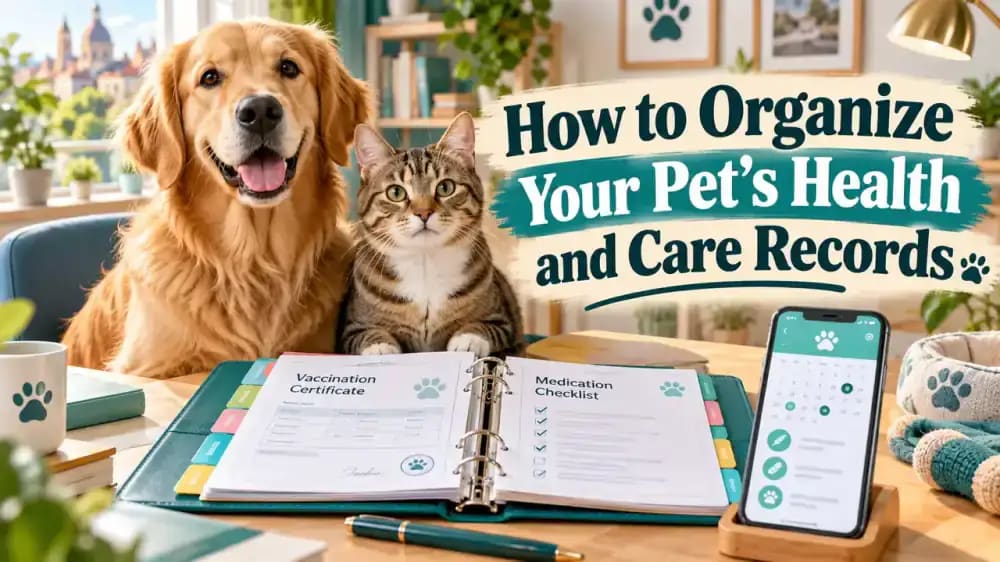
What you’ll need
Tap to tick things off before you start.
Understand Why Scattered Pet Records Create Problems
Imagine rushing your dog to the veterinarian while searching emails for vaccination records and scrolling through your phone for a medication name. Important details become harder to retrieve under pressure. Organizing these documents beforehand helps you provide accurate information quickly and concentrate on your pet instead of missing paperwork.

Choose One Reliable Place for Pet Records
Decide whether a physical binder or dedicated digital folder will be your primary record system. Both approaches work when used consistently. If you keep paper and electronic copies, identify which version contains the latest information. Store your binder on a familiar shelf and make your digital folder easy to locate.

Create a Complete Pet Identification Profile
Start with your pet's name, species, breed if known, birth date or estimated age, and a recent photograph. Include distinctive markings and current weight, along with the measurement date. This profile helps identify the correct records in multi-pet households. Refresh the photograph or description whenever your pet's appearance changes noticeably.

Save Regular and Emergency Veterinary Contacts
Write down your veterinarian's clinic name, telephone number, address, and operating hours. Add a nearby emergency animal hospital and verify whether overnight treatment is available. Save both contacts and locations on your phone. Confirm the information before an emergency, when searching for a working number could delay getting help.

Organize Microchip and Licensing Information
Create an identification section containing your pet's microchip number, registry provider, and account update instructions. Add a license number if required locally. More importantly, verify that your current telephone number and address appear in the actual microchip registry. Accurate paperwork cannot compensate for outdated contact information in the registration database.

Build an Accurate Pet Vaccination Log
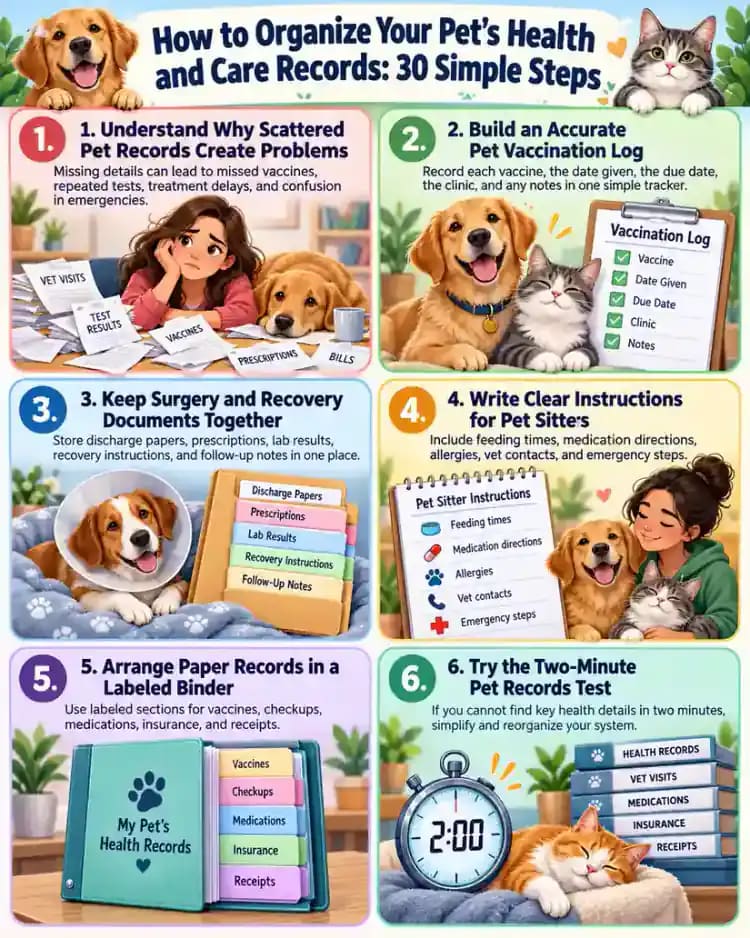
Record each vaccine's name, administration date, veterinary clinic, and documented next due date. File the original vaccination certificates behind your log. Requirements and schedules depend on your pet and veterinary guidance, so never invent due dates. Copy information directly from official records and ask your veterinarian to clarify anything uncertain.
Maintain a Current Pet Medication List
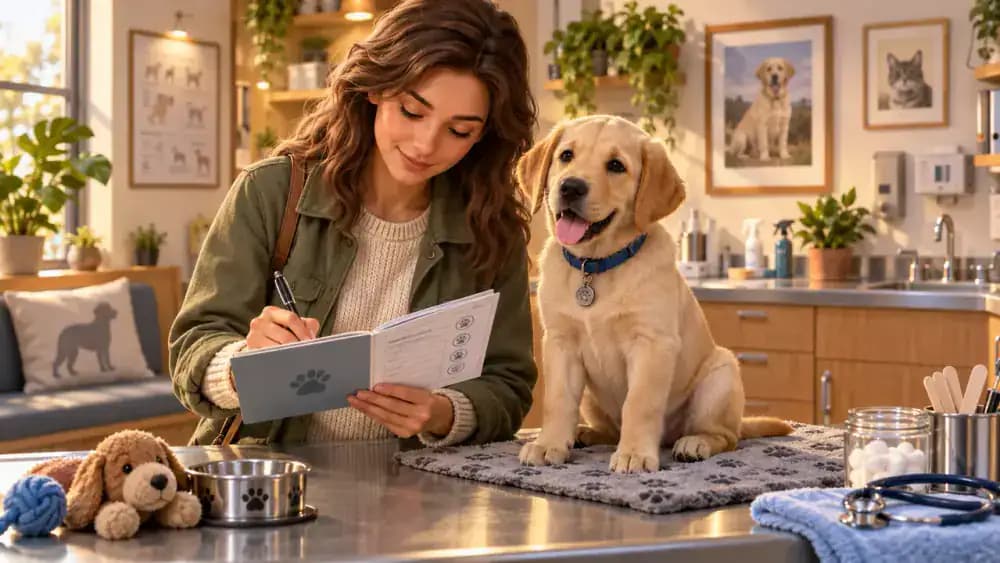
List every prescribed medicine with its name, strength, dose, administration route, frequency, purpose, prescribing veterinarian, and treatment dates. Photograph the original label for reference. Mark outdated instructions as superseded so they cannot be mistaken for current directions. Never adjust medication based solely on your personal record; follow verified veterinary instructions.

Include Supplements and Preventive Products
Add supplements, flea treatments, tick preventives, medically used shampoos, and nonprescription products to your medication records. Include exact brand names, product details, and administration schedules. Avoid vague entries such as parasite treatment. Your veterinarian may need these specifics to review potential interactions, overlapping products, or previously observed adverse reactions.

Document Suspected Allergies and Previous Reactions
Give allergies and previous reactions their own page. Record the date, observed symptoms, possible trigger, and any conclusions documented by your veterinarian. Clearly separate confirmed allergies from suspected sensitivities. Writing suspected reaction is more accurate than assigning an unverified diagnosis. Preserve photographs or relevant veterinary notes whenever they provide useful context.

File Veterinary Visit Summaries by Date
Arrange veterinary visit summaries with the most recent appointment first. For each visit, note the reason, reported examination findings, tests, treatment plan, and follow-up instructions. Keep the clinic's original discharge paperwork alongside your notes. Record questions that remain unanswered so you can discuss them during the next veterinary consultation.

Preserve Complete Laboratory and Imaging Reports
Store complete blood test reports, imaging findings, and specialist letters alongside their related appointments or inside a dedicated diagnostic section. Avoid replacing original reports with brief messages saying results were normal. Laboratory reference ranges and interpretations require clinical context. Keep documents connected to their examination dates and discuss uncertain findings with your veterinarian.

Keep Surgery and Recovery Documents Together
After a surgical procedure, group consent forms, procedure summaries, discharge instructions, prescribed medication information, and recommended recheck dates. Dental treatment records may also include feeding guidance for recovery. Review everything before leaving the clinic and keep the instructions accessible to caregivers. Written veterinary directions are more dependable than remembering details later.

Track Completed Grooming and Routine Care
Create a dated log for grooming appointments, nail trims, recommended dental care, parasite prevention, and other routine activities. Record what was actually completed, not merely what you planned. Keep future appointments in a separate calendar. This distinction prevents confusion about whether a treatment or care task has already happened.

Set Up a Practical Pet Care Calendar
Enter veterinary appointments, prescription renewal dates, preventive treatment reminders, and other scheduled activities into a calendar. Set advance notifications so you have time to prepare. Base medical reminders on actual veterinary recommendations instead of generic schedules. Review entries when professional instructions change, and make sure alerts appear somewhere you regularly check.

Record and Compare Your Pet's Weight
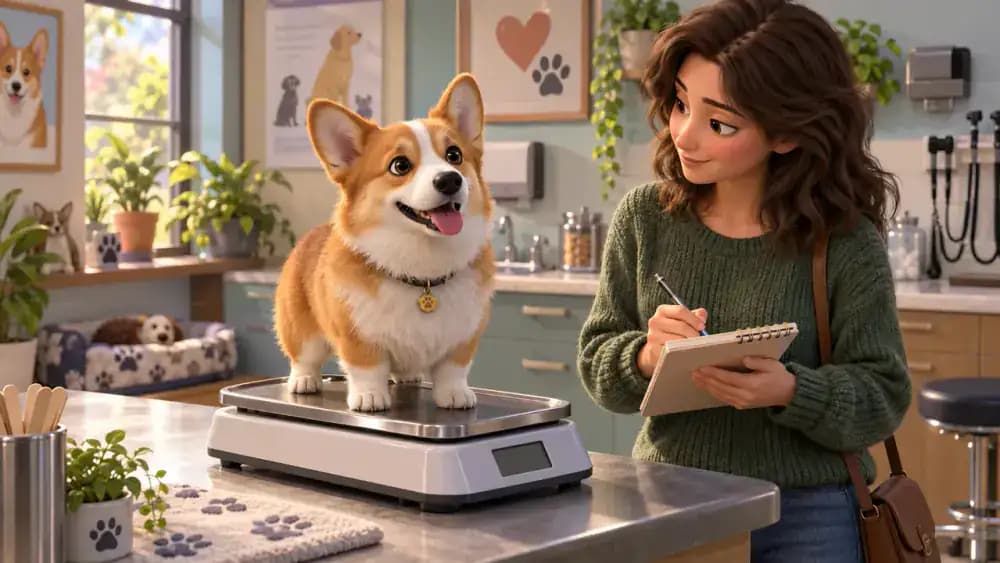
Maintain a dated weight history with clearly labeled units. Use the same scale when practical, and distinguish home measurements from veterinary clinic measurements. Recording values over time makes gradual changes easier to recognize. Share meaningful trends with your veterinarian rather than assuming the numbers alone explain a potential health concern.
Start a Simple Pet Symptom Journal
Document changes such as coughing, scratching, vomiting, limping, or altered appetite. Record when they started, how frequently they occur, and any relevant circumstances. Brief videos may help illustrate intermittent problems. Describe observations without diagnosing their cause, and contact your veterinarian promptly about concerning symptoms rather than delaying care to complete the journal.

Document Food, Portions, and Dietary Changes
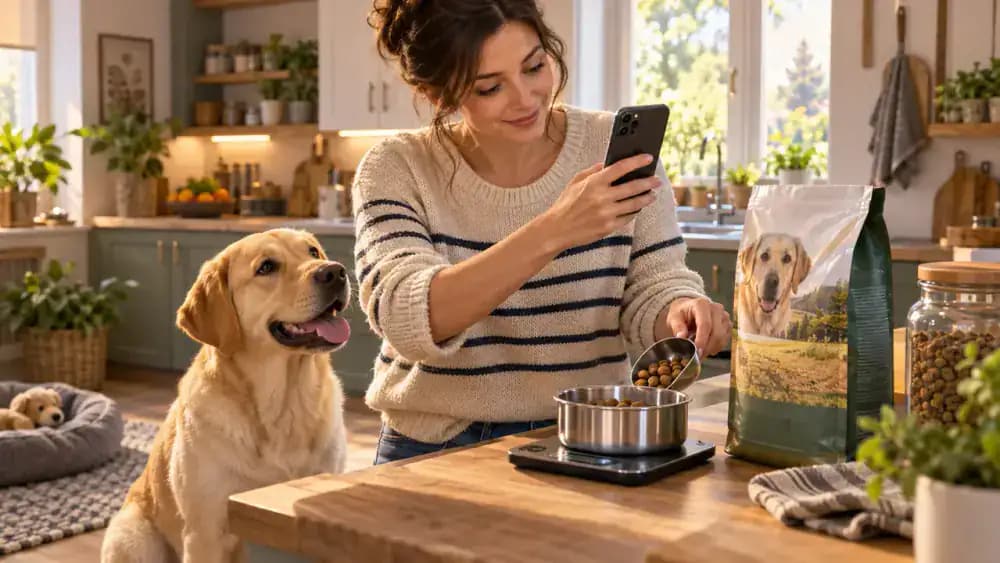
Record your pet's food brand, exact formula, feeding amount, and any veterinarian-directed dietary restrictions. Photograph the packaging for convenient reference. Note when food changes occur and whether transitions were gradual or abrupt. Accurate feeding records can support veterinary conversations about weight, digestion, and diet trials without assuming food explains every symptom.
Write Clear Instructions for Pet Sitters
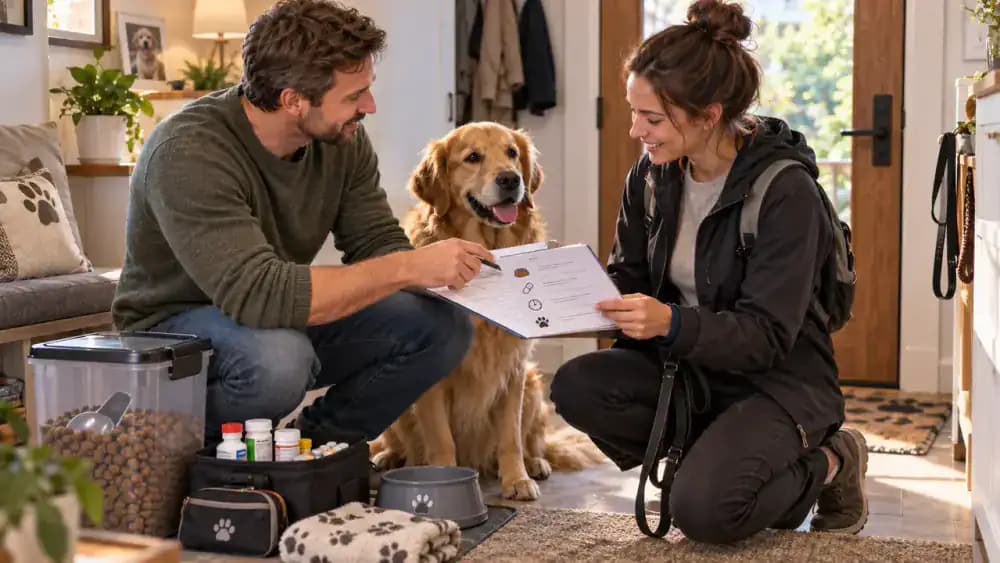
Prepare a one-page daily care sheet for family members, pet sitters, or other caregivers. Include feeding times, current prescribed medication directions, exercise limitations, and emergency contacts. Keep the language straightforward and update instructions after important changes. Essential care information should be available without searching through unrelated messages or outdated notes.
Assemble a Pet Travel Documents Kit
Before traveling, gather identification information, relevant vaccination certificates, medication details, and veterinary contacts. Confirm current requirements directly with your transportation provider and destination. Keep an offline digital copy in case internet access fails. Carry only necessary documents and protect personal information when sharing paperwork with other people or organizations.

Create a One-Page Ongoing Health Overview
For pets receiving ongoing veterinary care, prepare a brief overview referencing their full medical records. Include documented diagnoses, the current treatment plan, prescribed medications, and the next follow-up date. Add a revision date and review complicated details with your veterinarian. This overview supports accurate information sharing without replacing professional medical instructions.

Give Digital Documents Clear File Names
Rename scanned records using a consistent format: year-month-day, pet name, and document type. For example, 2026-10-10-Bailey-Vaccination-Certificate.pdf is easier to recognize than scan-final-3.pdf. Date-first naming makes chronological sorting straightforward. Apply the same structure to examination notes, laboratory reports, and prescriptions so individual files remain identifiable without opening them.

Create and Test a Secure Records Backup
Keep a protected backup of your digital pet records in a separate location or trusted backup service. An external drive may also work. Periodically restore and open a sample document to confirm the backup is usable. Protect copied files from unauthorized access. Reliable backups matter when a device is lost, damaged, or unavailable.

Limit Access to Sensitive Pet Records
Pet documents may contain your home address, phone number, payment details, and other personal information. Protect devices and accounts with strong credentials and appropriate sharing restrictions. Send clinics or pet sitters only the documents they need. Before sharing, double-check the recipient and permissions to avoid exposing your entire archive unnecessarily.

Arrange Paper Records in a Labeled Binder
Divide a physical binder into identification, vaccinations, medications, veterinary visits, diagnostic tests, and routine care. File new paperwork in the correct section after appointments. Store the binder somewhere dry, secure, and easy to reach. Avoid leaving the only copy of important certificates inside a vehicle, where documents could disappear.

Request Missing Records From Veterinary Clinics
Contact previous veterinary clinics when vaccination histories, examination summaries, or prescription records are missing. Ask which documents they can provide and how they handle secure transfers. If you are switching veterinarians, confirm the receiving clinic obtained the information. Never invent dates or treatment details to fill gaps that remain unverified.

Schedule a Ten-Minute Monthly Records Review
Set aside ten minutes each month to review your pet's records. Check contact details, new prescriptions, completed grooming appointments, and upcoming veterinary dates. Update important changes immediately whenever possible rather than postponing everything until review day. A recurring calendar reminder helps prevent a useful organizational system from gradually becoming outdated.

Keep Separate Health Records for Every Pet
Create an individual folder and identification photograph for each animal in your household. You can duplicate shared clinic contacts, but keep vaccination histories, medicines, and treatment instructions separate. Clearly labeled folders help prevent accidental mix-ups, especially when pets have similar names or medication packaging. Make ownership immediately obvious on every document.

Prepare Essential Information Before Vet Visits
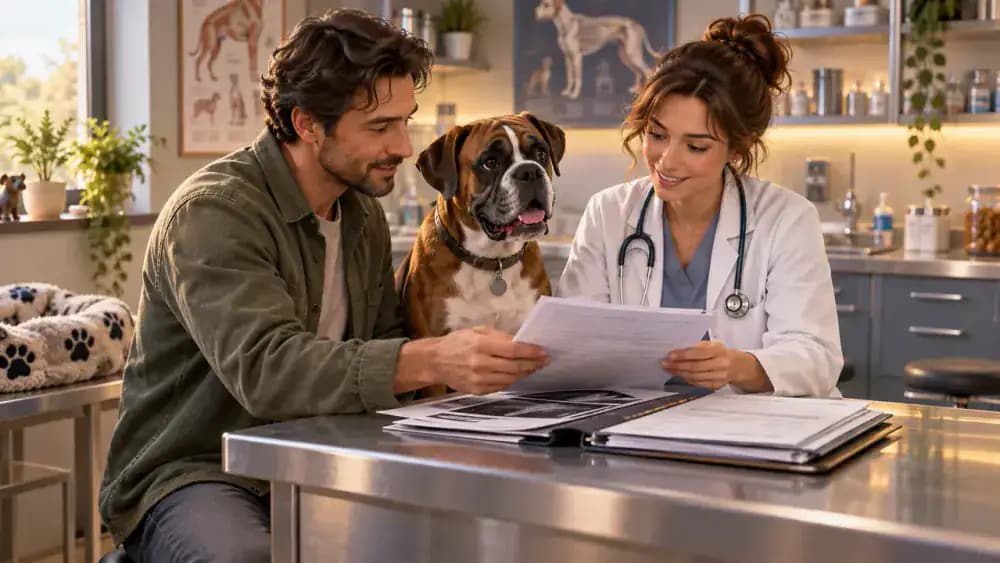
Before an appointment, gather your pet's current medication list, a brief timeline of the concern, and relevant previous reports. Write down questions you want answered. During the consultation, confirm the recommended next steps and follow-up timing. Bring original documents when requested, and update your records afterward to preserve important instructions.
Prioritize Essential Records Before Older Paperwork
If your documents feel overwhelming, begin with a manageable foundation. Collect existing records, create your pet's profile, add veterinary contacts, and organize vaccination certificates and current medicines. Leave older paperwork for a later session. A simple, accurate system you actually use is better than an elaborate archive that remains unfinished.

Try the Two-Minute Pet Records Test
Ask someone you trust to locate your pet's essential information within two minutes. They should be able to find veterinary contacts, current medication details, and identification records without unrestricted access to private accounts. Notice anything confusing and improve the layout. A reliable system works when another responsible person needs it.

Your dog needs an unexpected veterinary appointment, but you cannot remember the medication name. The vaccination certificate is buried in your email, and the emergency clinic's phone number is nowhere to be found.
Situations like this reveal why organizing pet health records matters. Whether you have a dog, cat, or several pets, a dependable record system makes important information easier to retrieve, update, and share.
You do not need expensive software or a complicated filing system. A simple binder, organized digital folder, or combination of both can keep medical documents, identification information, daily care instructions, and appointment reminders together.
This guide walks you through 30 practical steps to build a pet health record system that works during ordinary routines, veterinary appointments, travel, and unexpected situations.
Where people go wrong
Keeping Important Documents in Several Unrelated Places. Scattered email attachments, paper receipts, and phone photographs make information difficult to retrieve. Establish one primary records location.
Assuming Microchip Registration Is Automatically Current. A correct microchip number on paper does not mean the registry has your latest contact information. Check the actual registration.
Mixing Old and Current Medication Instructions. Outdated prescription directions can create dangerous confusion. Clearly identify superseded instructions and confirm uncertainties with your veterinarian.
Treating Suspected Allergies as Confirmed Diagnoses. Record what you observed and distinguish suspected triggers from conclusions documented by a veterinarian.
Confusing Scheduled Care With Completed Care. An appointment reminder does not prove treatment occurred. Maintain separate records of upcoming and completed activities.
Saving Digital Files Without Testing Backups. A backup offers little protection if the documents cannot be restored. Periodically open a recovered file and confirm its readability.
Sharing the Entire Records Archive Unnecessarily. Provide caregivers and veterinary clinics only relevant information, using appropriate permissions to protect personal details.
Creating a System That Never Gets Updated. Even carefully organized records become unreliable without maintenance. Update major changes promptly and schedule a short monthly review.
Questions people ask
Use one labeled binder or dedicated digital folder. Begin with identification, veterinary contacts, vaccination records, and current medications, then organize older documents.
Fixed it?
Get one guide like this every Thursday.