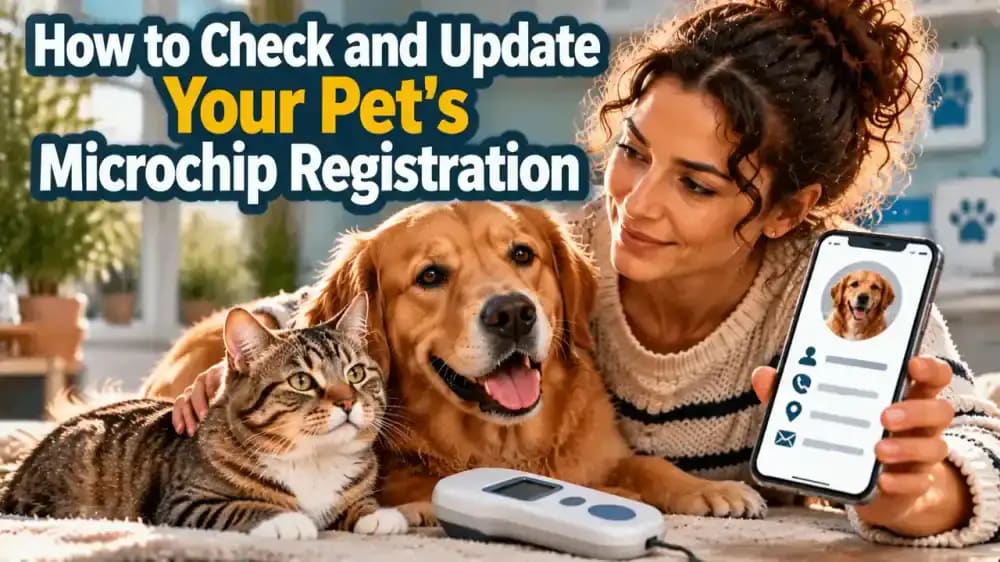
How to Check and Update Your Pet's Microchip Registration
Make sure your pet's microchip can help bring them home. Learn how to find the microchip number, identify the correct registry, update contact details, and confirm your information is current.
What you’ll need
Tap to tick things off before you start.
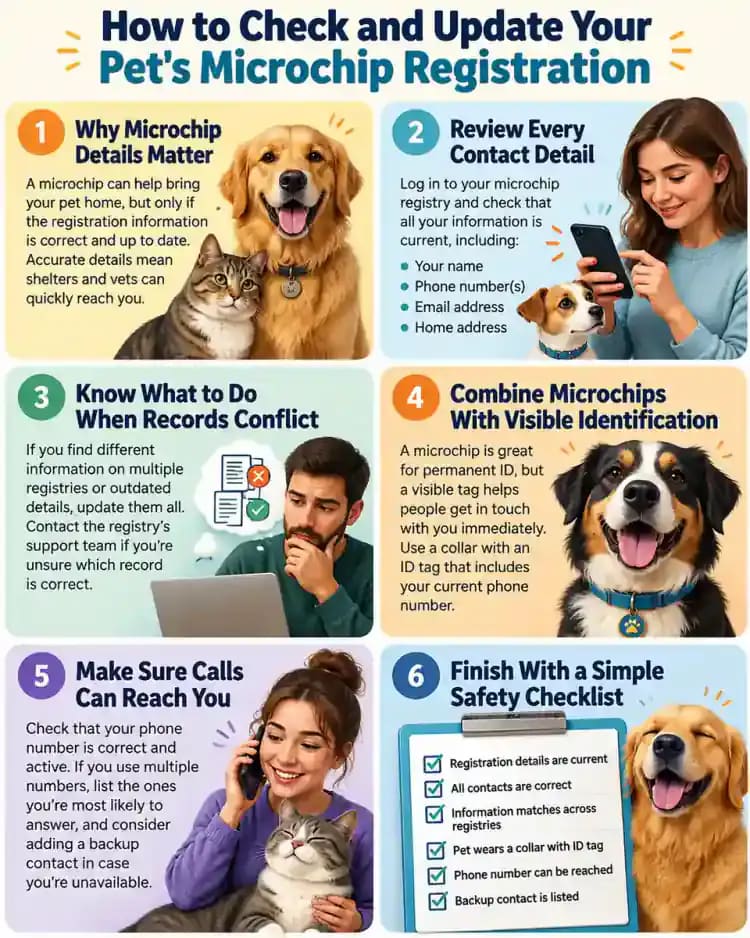
Why Microchip Details Matter
A pet microchip provides an identification number that can help connect a lost pet with their owner, but it does not automatically contact anyone. If your registration lists an outdated phone number, a veterinarian or shelter may have difficulty reaching you. Keeping your contact details current makes it easier for someone who finds your pet to get in touch.

Find Your Pet's Microchip Number
Gather any records you already have, including adoption paperwork, veterinary invoices, vaccination booklets, and microchip certificates. Look for the microchip number, which is typically a sequence of digits recorded in your pet's documents. Keep the paperwork together so you can refer to it while identifying the correct registry. Store the number securely rather than sharing it publicly.

What If the Paperwork Is Missing?
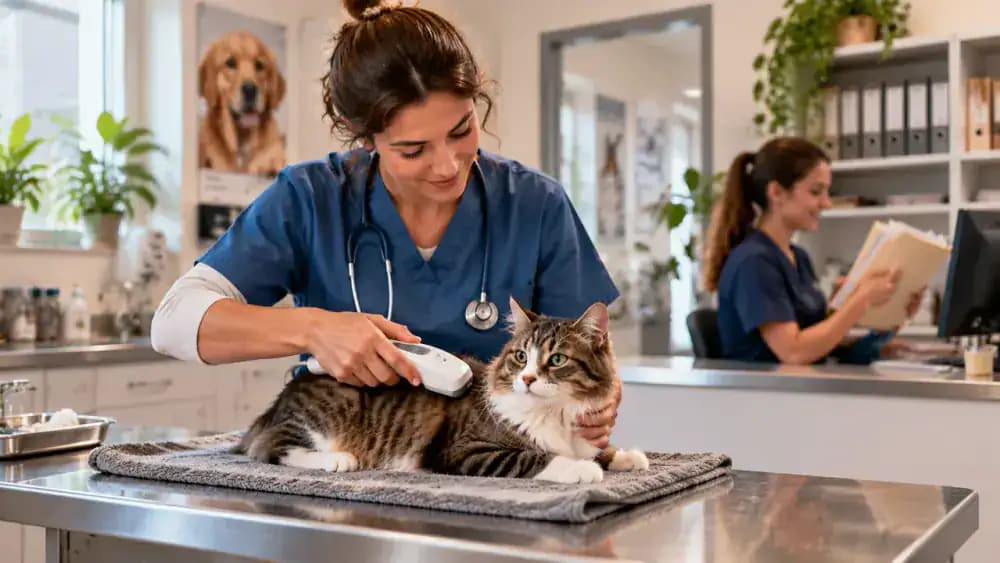
If you cannot locate the microchip number, contact the veterinary clinic or animal shelter that arranged the implantation. Staff may have recorded it in your pet's medical file or be able to scan the chip during a visit. A scanner reads the identification number, but the registration record must be checked separately to determine whether your contact information is current.
Identify the Correct Registration Database
Once you have the microchip number, identify the registry that manages its registration. Start with your certificate or the microchip provider's instructions, and ask your veterinarian, shelter, or provider for assistance if the information is unclear. Different chips and locations may involve different registration systems, so verify the appropriate database before entering personal details or requesting changes.
Check the Existing Registration
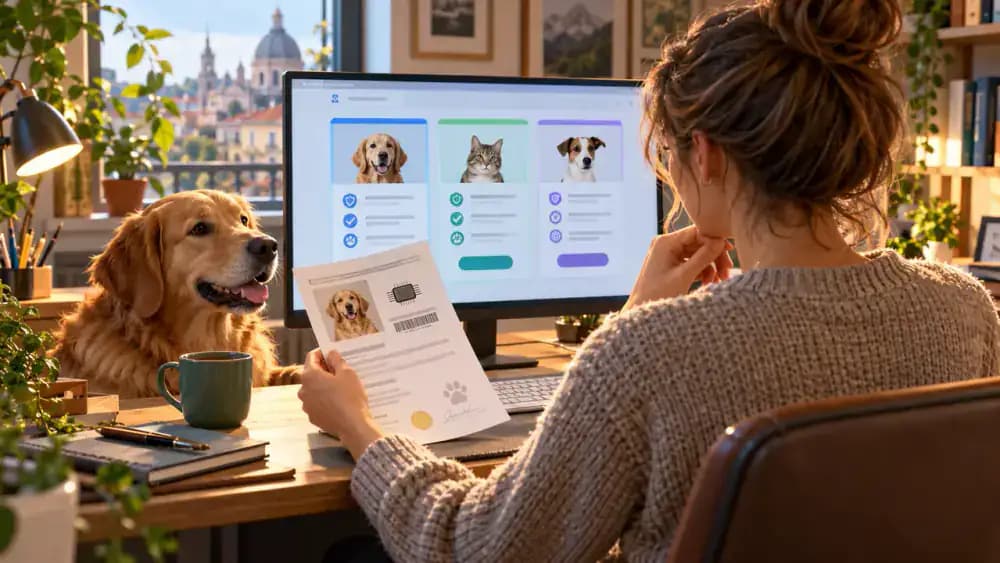
Visit the registry's official website or contact its support team to check the existing record. Have the microchip number ready, along with proof of ownership or authorization if required. Review the available information carefully. If no record appears, check for typing errors and ask whether another registry may hold the details before assuming the microchip is unregistered or experiencing a problem.
Review Every Contact Detail
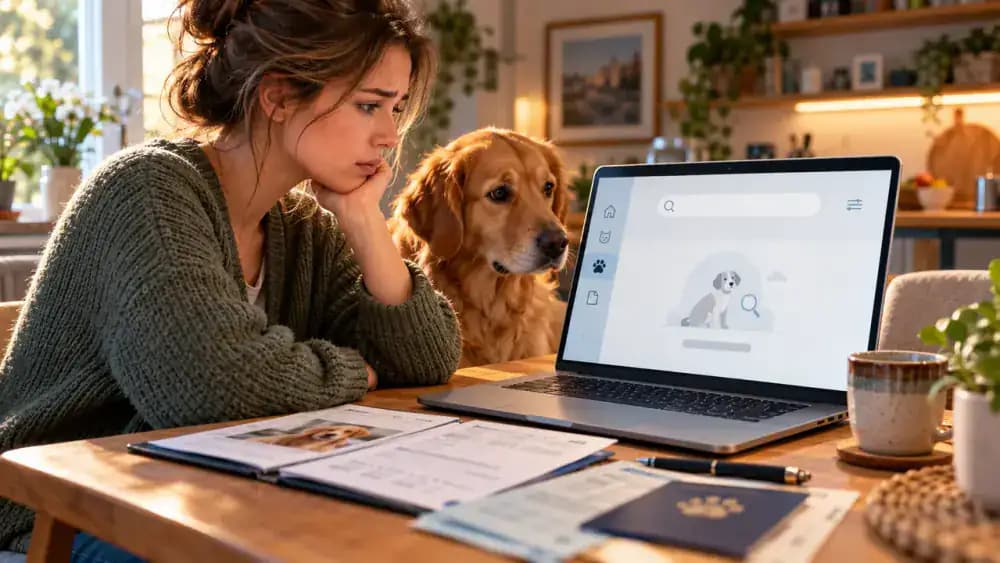
Open your pet's registration record and review every available contact field, including your name, phone number, email address, and home address. Compare the information with your current details rather than relying on what was correct when the microchip was implanted. If you recently moved, changed numbers, or adopted your pet, check carefully for outdated owner information.

Update Details Through the Official Registry
Follow the official registry's instructions to correct outdated details and complete any required identity checks or confirmation requests. Some registries offer online updates, while others require forms or assistance from their support team. If ownership has changed, ask about any additional documentation or local requirements. Save the confirmation message or updated record so you can verify the changes later.
Confirm the Update and Make It a Habit
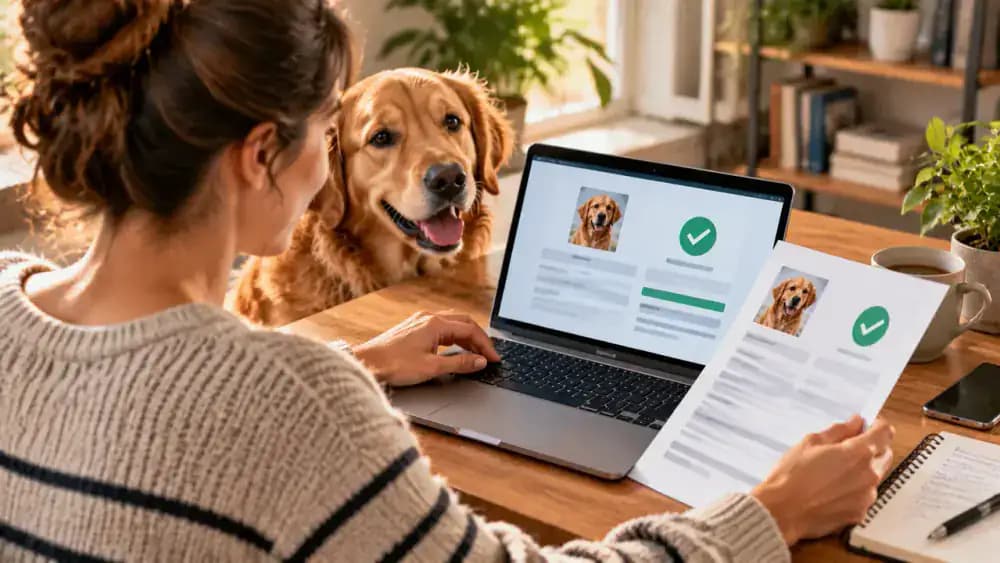
After submitting your changes, sign back in or contact the registry to confirm that the updated information appears correctly. Store the microchip number and registration details with your pet's important documents. Set a calendar reminder to review the record periodically, especially after moving or changing contact information. Regular checks help ensure that someone who finds your pet can reach you.

Understand Registration Versus Ownership Records
Correct contact information does not always mean the registered ownership details are current. Some registries distinguish the primary registered keeper from additional authorized contacts. If you recently adopted or rehomed your pet, ask the registry whether a formal ownership transfer is required. Follow its instructions and provide any requested adoption documents so the correct person is listed as the primary contact.

Add an Emergency Contact When Available
If the registry allows an alternate contact, consider listing a trusted friend or family member who agrees to help if you cannot answer your phone. Choose someone who knows your pet and can respond to a call from a veterinarian, shelter, or finder. Enter their information accurately, explain their role, and ask them to keep their own contact details current.

Protect Your Personal Information
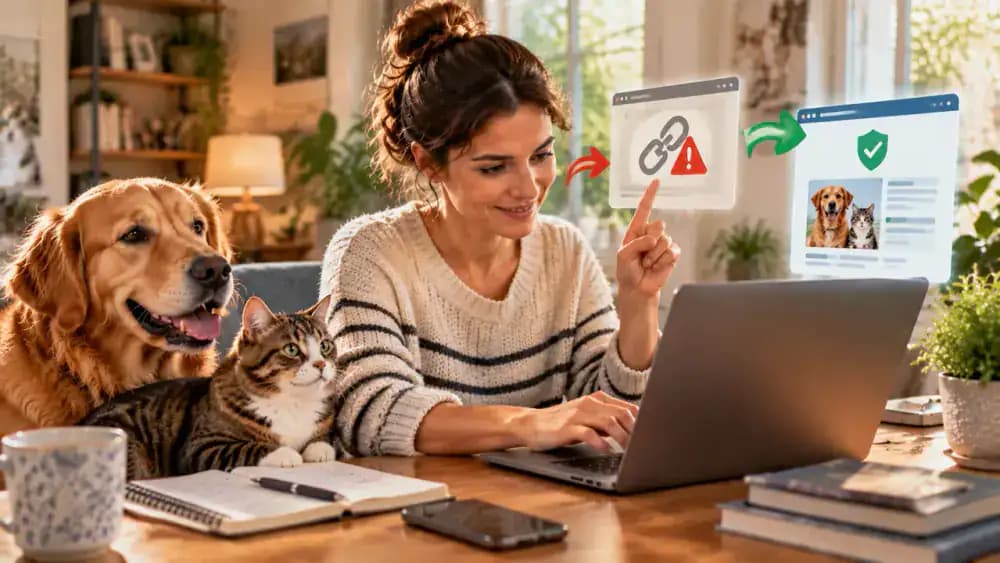
Keeping your pet's registration accurate is important, but protecting your personal information matters too. Access the registry through its official website or a verified contact channel, and avoid entering sensitive details through unexpected links. Review the registry's privacy policy to understand how your information may be shared. If a message seems suspicious, contact the registry independently before responding.
Know What to Do When Records Conflict
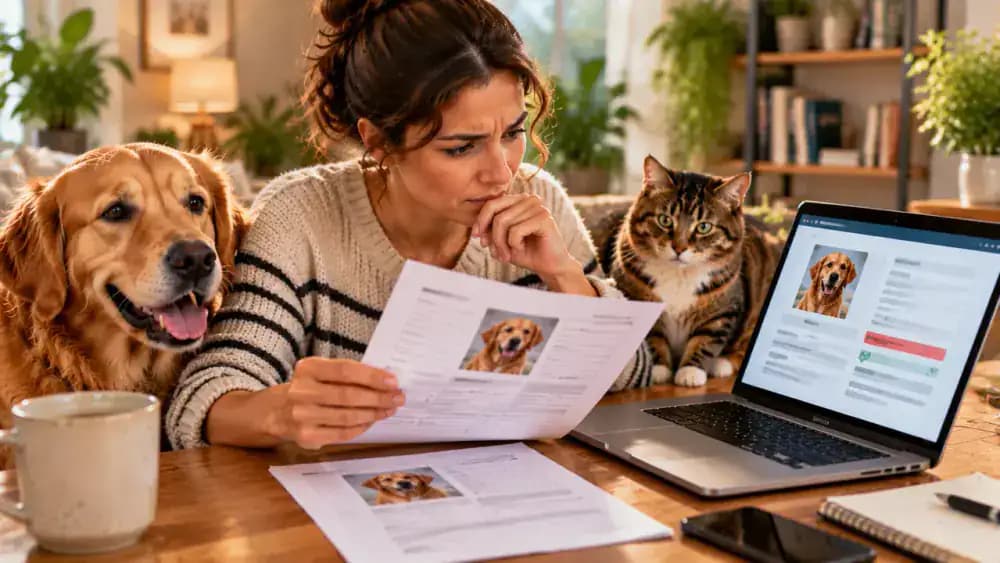
If the microchip number, registration details, or listed owner do not match your paperwork, pause before making changes. Gather your supporting documents and contact the registry through its official help channel to explain the discrepancy. Keep any case reference or confirmation for your records. A veterinarian or animal shelter may also help clarify the information and identify an appropriate next step.
Check the Record After Veterinary Visits
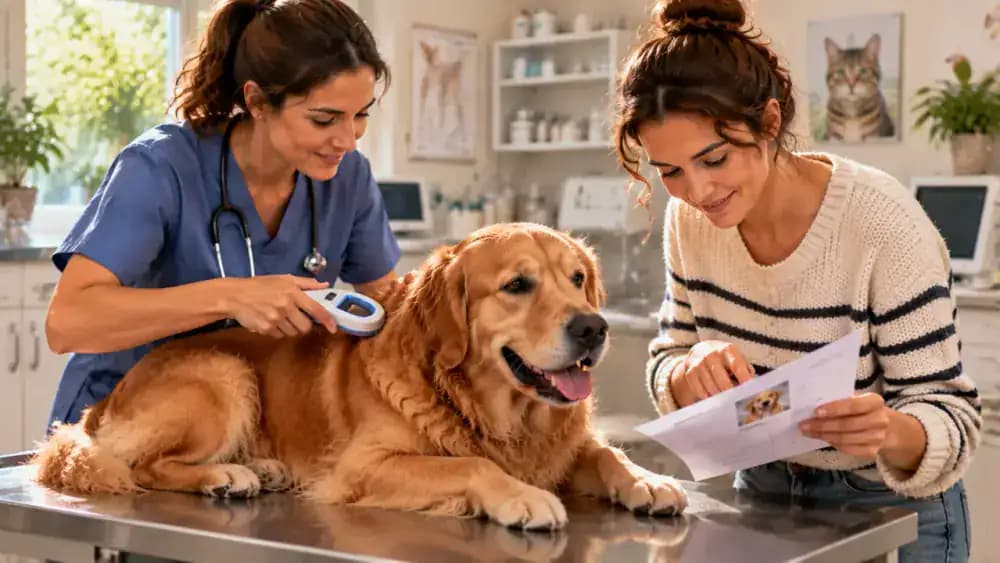
A routine veterinary appointment is a useful opportunity to confirm that your pet's microchip can be read. Ask the clinic to scan the chip when appropriate, then compare the identification number with your records. Remember that a successful scan does not confirm registration status or current contact information. Check those details separately through the relevant registry.
Prepare a Simple Microchip Information File
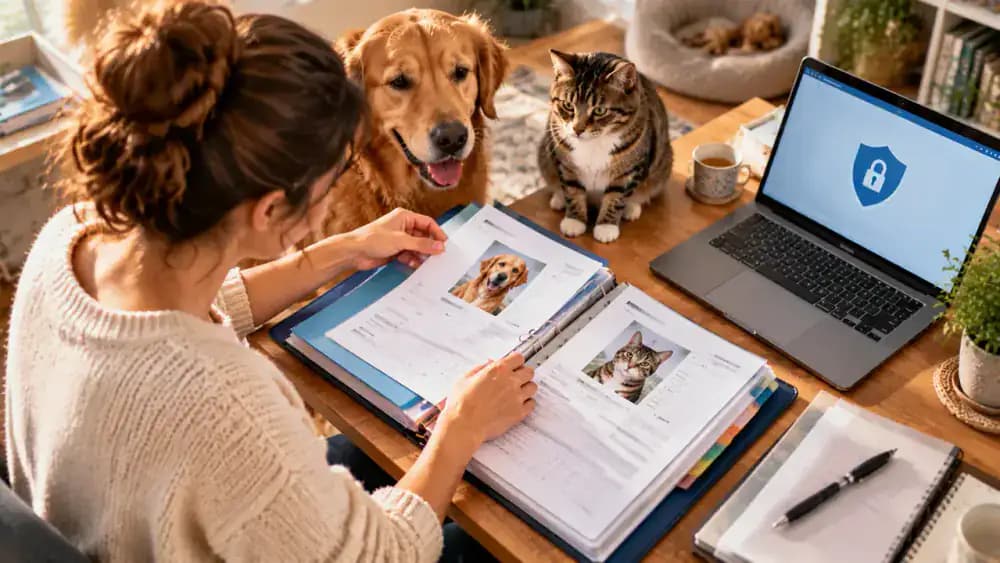
Keep your pet's microchip number, registry name, registration confirmation, and update instructions together in a dedicated file. Store paper documents in a secure household location where trusted caregivers can find them when needed. You can also keep a password-protected digital backup for convenience. Avoid leaving private contact information in publicly accessible places, and update your file whenever registration details change.
Build a Reminder Into Your Routine
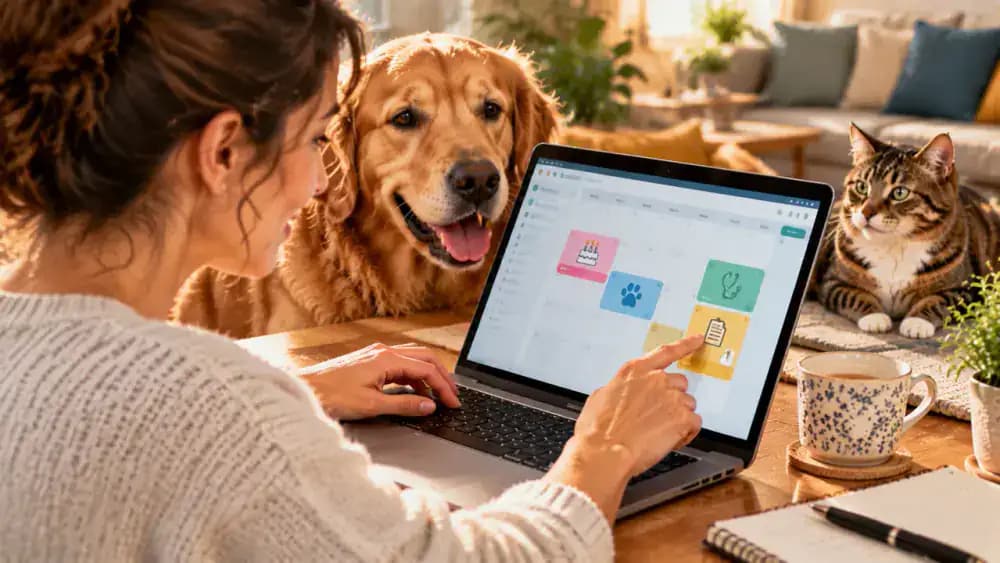
Choose a recurring date to review your pet's microchip registration, such as a birthday or annual wellness appointment. Check the details sooner whenever you move, change phone numbers, update your email address, or transfer ownership. Add the review to your digital or paper calendar so it becomes part of your regular pet care routine and outdated contact information is less likely to go unnoticed.
Make Reunification Easier Before You Need It
Take a few minutes today to make sure your pet's microchip number is recorded, the correct registry has been identified, and your contact information is current. These simple checks cannot guarantee that a lost pet will return home, but they can help a veterinarian, shelter, or finder reach you when your pet needs help.

Help Everyone Follow the Same Plan
Make sure household members, pet sitters, and trusted caregivers know where your pet's identification documents are stored and whom to contact if your pet goes missing. Keep a simple emergency care sheet with the registry name, veterinary clinic number, and document location. Share only the information each person needs, and agree on a clear plan before an emergency occurs.

Combine Microchips With Visible Identification
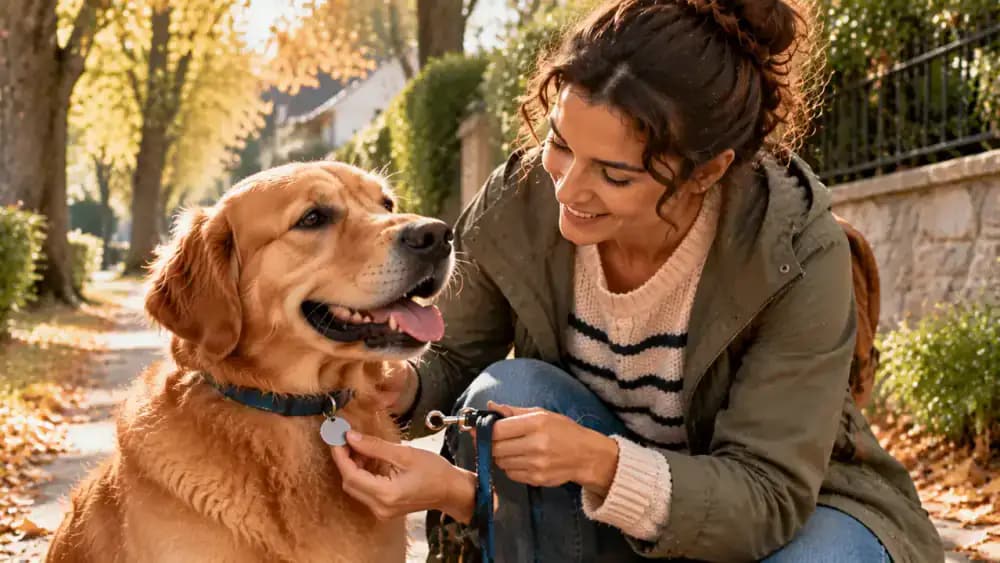
A current microchip registration works best alongside other identification methods. Keep your pet's collar tag readable and make sure its contact details are accurate, where appropriate for your pet. A visible tag may help someone contact you quickly, while a microchip provides another identification option if the collar is lost. Maintaining both gives your pet useful layers of protection.
Keep Every Pet's Record Separate
If you have multiple pets, verify each microchip registration individually. Similar names or paperwork stored together can lead to mix-ups when you need information quickly. Match each microchip number and certificate to the correct animal, and label documents with the pet's name and a recent photo. Store each record in a clearly marked section of your household organizer.

Check Requirements Before Traveling
Before traveling with your pet, review the official animal identification requirements for your destination and any places you will transit through. Ask your veterinarian whether you need additional documents, identification checks, or registration updates before departure. Requirements can vary by country, destination, and transport provider, so verify current rules well in advance rather than assuming your usual registration process will be sufficient.

Prepare Helpful Information for a Finder
Keep a recent photo of your pet on your phone so you can share it quickly if they go missing. Note distinctive features, such as coat color, markings, size, or a unique collar. These details complement microchip registration by helping you describe your pet clearly to a finder, animal shelter, or veterinary clinic during a stressful search.
Avoid Unnecessary or Misleading Registration Services
Before paying for a microchip registration service, confirm that it is associated with your pet's chip or provides a service you actually need. Some websites may offer additional features without managing the original registration record. Review the provider's official instructions, verify the website independently, and understand any fees before sharing personal information or entering payment details.

Make Microchip Checks Part of Responsible Pet Care
Keep your pet's identification folder somewhere convenient and make sure you know how to contact the registry when information changes. You do not need to memorize every procedure, but having the microchip number, registry name, and update instructions available can save time. Revisit the record after moves, phone changes, or other important life events to keep details current.
Make Sure Calls Can Reach You
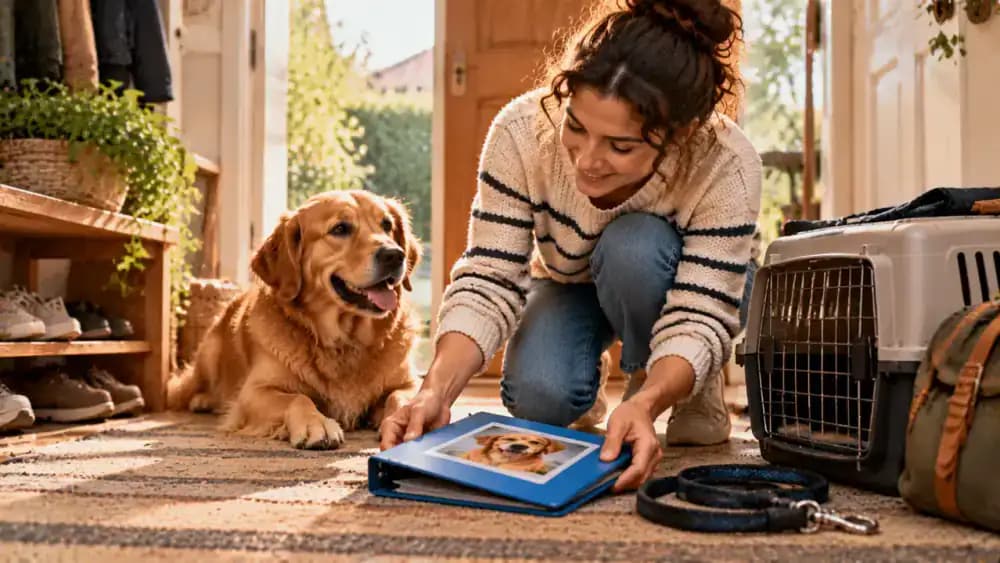
Check that the preferred phone number on your pet's registration is active and that you can receive calls from unfamiliar numbers. If your registry supports voicemail or alternate contacts, make sure those options are usable and current. A shelter, veterinarian, or finder may call from an unfamiliar number, so a working voicemail can help you respond even when you miss the initial call.

Learn the Lost-Pet Reporting Process
Find out how your microchip registry recommends reporting a missing pet before an emergency occurs. Save its official contact information and review any instructions for updating a record with a lost-pet alert. If your pet disappears, act promptly by contacting local animal shelters and veterinary clinics, notifying the registry as appropriate, and sharing a recent photo and accurate identifying details.

Act Quickly if Your Pet Goes Missing
If your pet goes missing, contact the microchip registry and ask whether it offers a lost-pet alert or guidance for people checking the chip. Keep your phone nearby, check messages frequently, and respond carefully to unfamiliar calls. At the same time, contact nearby animal shelters and veterinary clinics, share recent photos, and continue actively searching your neighborhood.

Share Lost-Pet Information Safely
Create a lost-pet notice with a clear photo, your pet's name, distinctive markings, and a safe way for people to contact you. Avoid publishing your full home address, microchip number, or other unnecessary personal information. If someone says they have found your pet, request a photo or identifying details and arrange a safe meeting, involving local authorities when appropriate.
Update Records After a Reunion
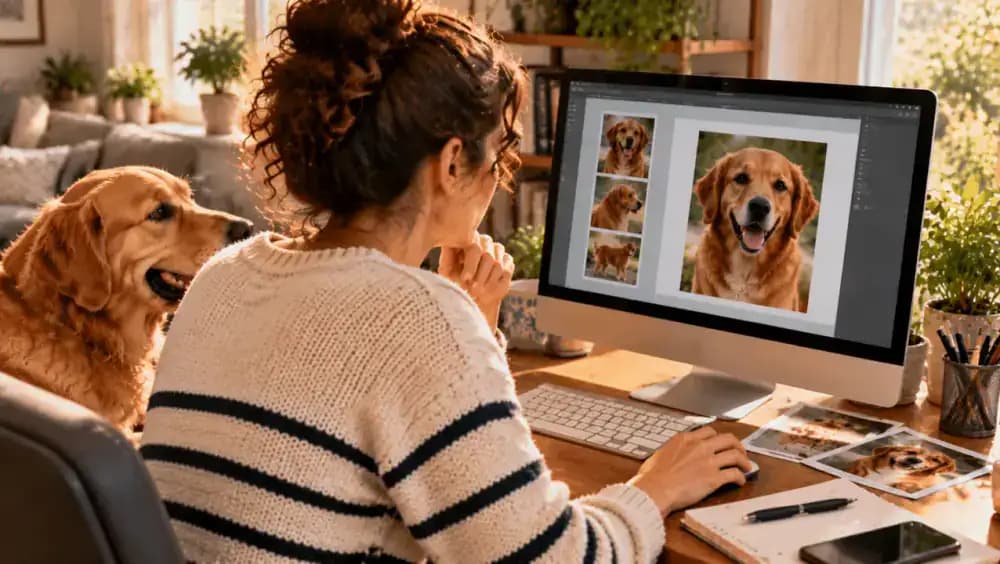
Once your pet is safely home, review the microchip registration and correct any details that changed during the search. Remove temporary contact information if it is no longer appropriate, and confirm that your usual phone number and email are current. Notify shelters, veterinary clinics, and online lost-pet services that your pet has been found so others can stop searching.

Know What a Microchip Cannot Do
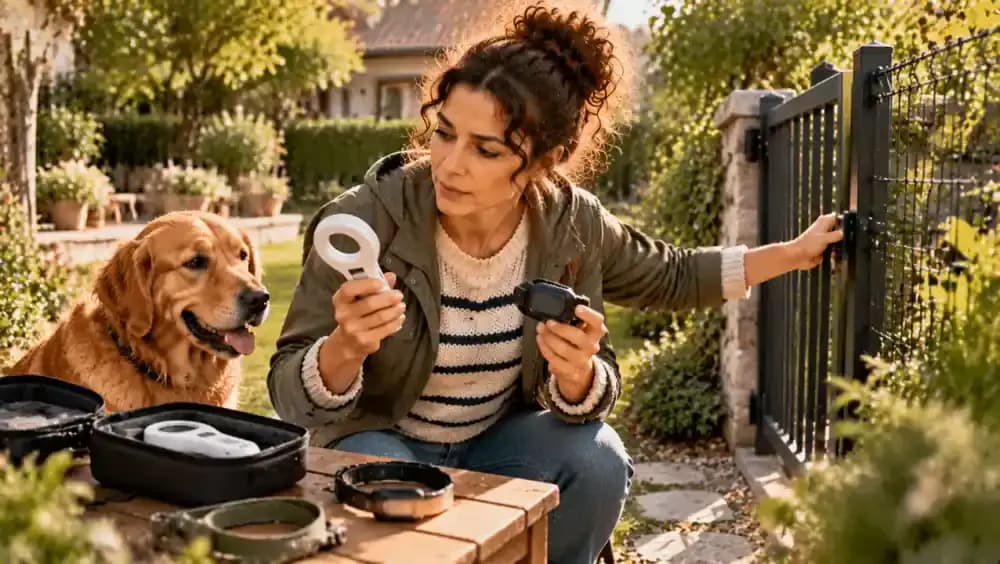
A standard pet microchip provides an identification number, not live GPS tracking. It cannot show your pet's location or prevent them from getting lost. Combine current registration details with practical precautions, including secure doors, well-maintained fencing, supervision, and a leash when appropriate. Understanding these limits helps you create a more complete safety plan for your pet at home and outdoors.
Finish With a Simple Safety Checklist
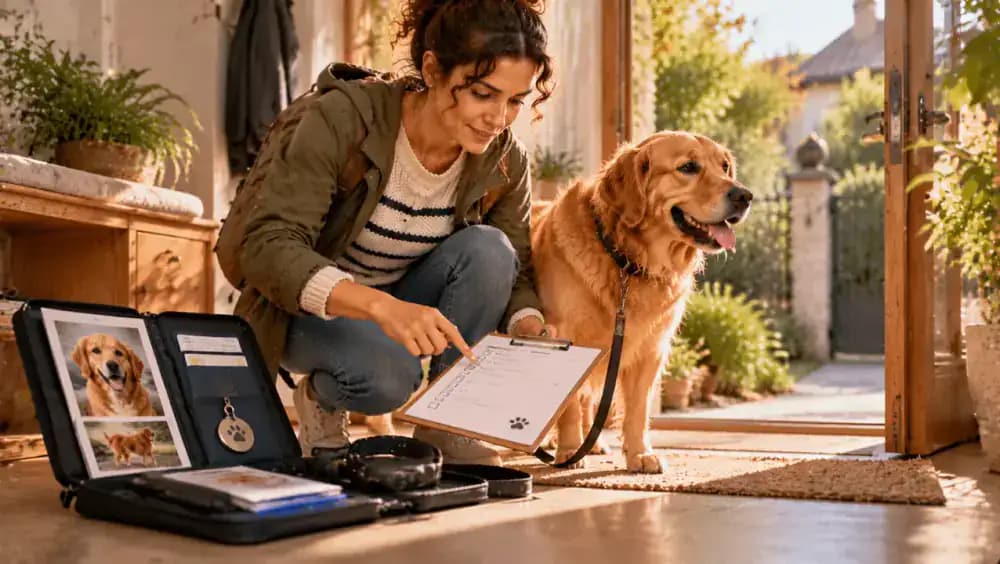
Before setting this task aside, confirm that you know your pet's microchip number, have identified the correct registry, and have verified your current contact details. Keep supporting documents in a secure, accessible place and check any applicable local requirements. Review the record again after important changes, and make periodic checks part of your regular pet care routine.
Imagine your dog slips through an open gate or your cat disappears during a move. Someone finds your beloved pet, takes them to a shelter or veterinary clinic, and a microchip scan reveals an identification number. There is just one problem: the phone number connected to that number belongs to an old address or no longer works. A microchip can help reunite you with your pet, but only if the associated registration information helps someone reach you.
Checking and updating your pet's microchip registration is a straightforward part of responsible pet care. Whether you adopted a rescue, changed your phone number, moved to a new home, or simply cannot remember when you last reviewed the record, taking a few minutes to verify the details can make a meaningful difference. You will need your pet's microchip number, any available registration paperwork, and access to the appropriate registry's official website or support service.
Keep in mind that a microchip is not a GPS tracker. It stores an identification number that can be read with a compatible scanner, while registration connects that number to contact information. Implantation does not always mean registration has been completed, and the organization that implanted the chip may not be the registry holding the record. The process can also vary by provider and location.
This guide explains how to locate your pet's chip number, identify the correct registry, review the listed details, and confirm that any changes have been saved. A quick review now can help you be better prepared if your pet ever goes missing.
Where people go wrong
Assuming the microchip is automatically registered. Having a microchip implanted does not necessarily mean the registration process was completed. Depending on the provider and circumstances, someone may still need to submit the owner's details or activate a record. Check the actual registry rather than relying on an implantation receipt alone. If the record cannot be found, contact the provider, veterinarian, or registry for help.
Updating the chip number instead of the contact record. A microchip number identifies the implanted chip, while the registration record contains the information used to contact the owner. These are different things. Do not assume that replacing a phone number in veterinary software updates the registry, or that changing an online pet profile updates the microchip database. Confirm that the changes were made to the correct registration record.
Using an outdated phone number or email address. A record may appear complete while still containing contact details that no longer reach you. Review every listed phone number and email address, including secondary contacts, and correct any errors. If the registry allows multiple contacts, consider adding a trusted backup person who can respond if you are unavailable. Verify the updated details before closing your account session.
Assuming the implanting clinic is the registry. The veterinary clinic or organization that implanted a microchip may not manage its registration database. A clinic can often help identify the chip number or provider, but the record may be held by a separate registry. Check your paperwork and use the registry's official contact channels. If you cannot identify the organization, ask your veterinarian or a local animal welfare service for assistance.
Searching for the number without verifying the registry. Microchip numbers and registry arrangements can be confusing, especially when adoption paperwork lists a manufacturer rather than the organization managing owner contacts. Use reliable lookup resources and verify the results before entering personal information. Avoid unfamiliar websites that request unnecessary payment or sensitive details. If several possible registries appear, contact a veterinarian or the listed provider to establish which record should be updated.
Forgetting an old address or secondary contact. Changing your primary phone number is only part of a complete registration review. An old address, incorrect email, or unavailable emergency contact can make reunification more difficult. Review all fields and any additional owner details the registry stores. If you move, change email providers, or replace a phone, revisit the record and update every affected field rather than correcting only the most obvious one.
Leaving without confirmation that the update was saved. A completed online form does not always mean the registration changes have been submitted or approved. Look for a confirmation message, updated account details, or an email from the registry. Follow any verification instructions and contact customer support if the record still shows old information. Keep the confirmation for your records so you can establish when the details were last reviewed.
Treating microchip registration as the only safety measure. A current registration record is valuable, but it cannot replace other identification and safety precautions. Microchips require a compatible scanner, and a person who finds your pet must be able to get the chip checked. Keep collars and identification tags current where appropriate, maintain recent pet photos, and ensure household members know how to report a missing pet. Review local identification requirements as well.
Questions people ask
Start with your pet's microchip certificate, adoption paperwork, breeder documents, or veterinary records. The number may also appear in an electronic record from the clinic that implanted or scanned the chip. If you cannot locate it, ask your veterinarian or an animal shelter to scan your pet with a compatible reader. Save the number accurately once it is confirmed.
Fixed it?
Get one guide like this every Thursday.