How to Check a Medical Bill for Errors Before You Pay
Received a medical bill that doesn't look right? Learn five practical checks to compare charges, review insurance payments, spot possible discrepancies, and ask the billing department the right questions before paying.

What you’ll need
Tap to tick things off before you start.
Take a Closer Look at the Amount You Owe
Place your medical bill on a flat surface and locate the total balance, as shown by the $2,450 amount on this example statement. Check the provider's name, billing date, and any listed insurance payments or adjustments. Don't assume an unexpected balance means something is wrong. Write down the amount and any immediate questions. Keep the envelope and statement together, especially if they include important payment deadlines or contact information.

Check the Key Details on Your Medical Statement
Lay your statement flat and use a highlighter to identify the provider's name, date of service, account number, payment due date, and insurance adjustments. Check whether the statement lists insurance payments or shows a claim still being processed. A $2,450 balance could reflect a deductible, coinsurance, or pending insurance activity rather than an error. Keep these details handy when comparing your bill with your insurance records.

Collect Your Medical Bill, Insurance EOB, and Payment Receipts
Retrieve your medical statement, download the matching Explanation of Benefits (EOB) from your insurer's portal, and collect receipts for payments you have already made. Arrange them in three labeled folders or trays, as shown. Check that the service dates match across the documents, and keep multiple EOBs if your visit involved separate claims. Remember, an EOB explains how insurance processed a claim - it is not a bill.

Find the Five Key Amounts on Your Insurance EOB
Open your insurer's portal on your phone and select the Explanation of Benefits (EOB) for the visit you're reviewing. Locate the date of service, amount billed, allowed amount, insurance payment, and patient responsibility, as highlighted on the screen. Confirm the service date and claim details match your medical statement. The allowed amount may differ from the original charge, and the EOB is not a payment request.

Match Previous Payments to Your Medical Records
Open your banking history or payment portal and search for transactions associated with your healthcare provider. Compare each payment's date and amount with your receipts, as shown by the matching $75 copay transaction. Check credit card statements and portal confirmations for additional payments. Save supporting documents as PDFs in a secure folder labeled Medical Payment Records. If a receipt is missing, contact the provider for clarification rather than assuming an error.
Request an Itemized Medical Bill From Your Provider
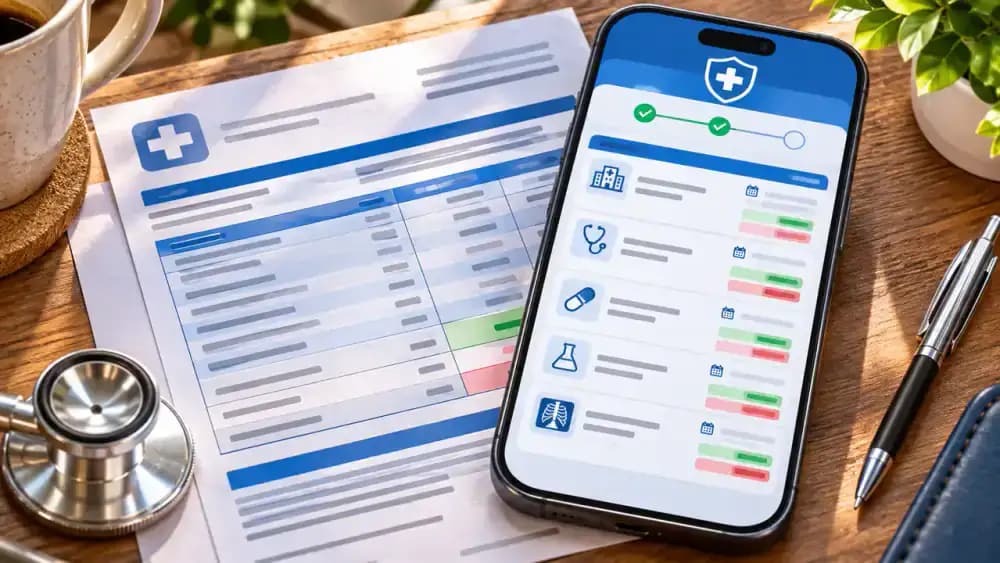
Log in to your healthcare provider's patient portal and open the Billing or Statements section. If your $2,450 statement shows only a total balance, look for an option to request itemized charges. As illustrated, submit your request through the portal's secure messaging system. Ask for service descriptions, dates, quantities, and individual charges. Save the request confirmation and check the portal for a response before comparing the detailed charges.

Examine Each Charge on Your Itemized Medical Statement
Place your itemized statement on a document stand and use a reading guide to examine each entry. Follow the columns for service date, description, billing code, quantity, and charge. Mark unfamiliar descriptions with removable tabs, as shown, and write specific questions in a notebook. You don't need to decode medical terminology yourself. Note the exact billing code and amount so the billing department can identify the entry when you ask.
Compare Service Dates Across Your Medical Bill and EOB
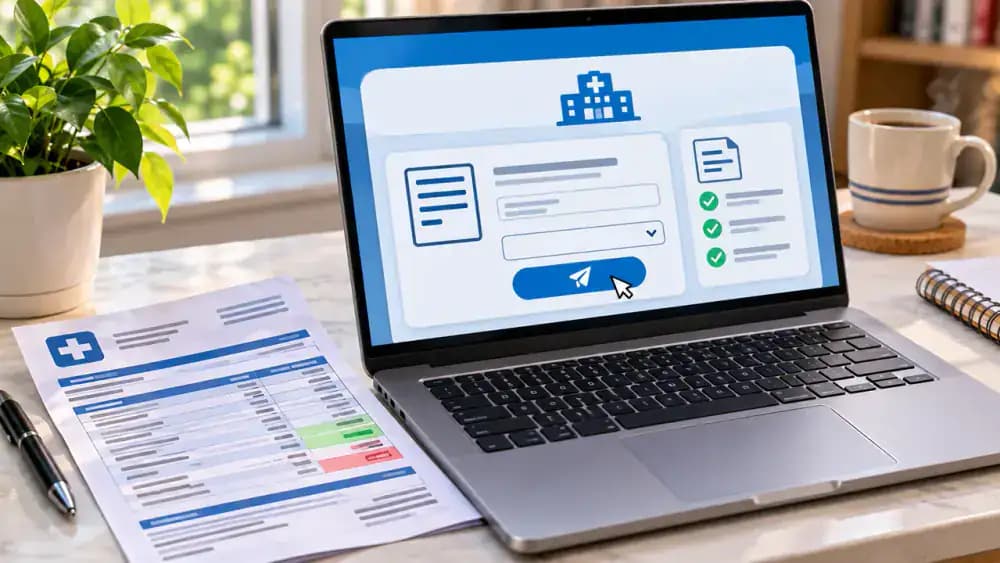
Place your itemized statement beside the matching Explanation of Benefits and compare every service date, including the month, day, and year. As illustrated, circle October 14, 2026, on your calendar when both records match. If another statement lists October 15, write that date on your question sheet for clarification. Different dates may reflect separate services or providers, so confirm what each charge represents before assuming an error.

Check Which Healthcare Providers Billed You
Compare the provider names on your medical statements with your appointment records and insurance EOB. As shown on the whiteboard, organize charges by hospital, physician, laboratory, and imaging center. Several providers may bill separately for the same visit. Match each name to a documented service and date. If a provider is unfamiliar, flag it for clarification and ask the billing department which service that provider performed.
Match Insurance Claim Numbers to Provider Statements
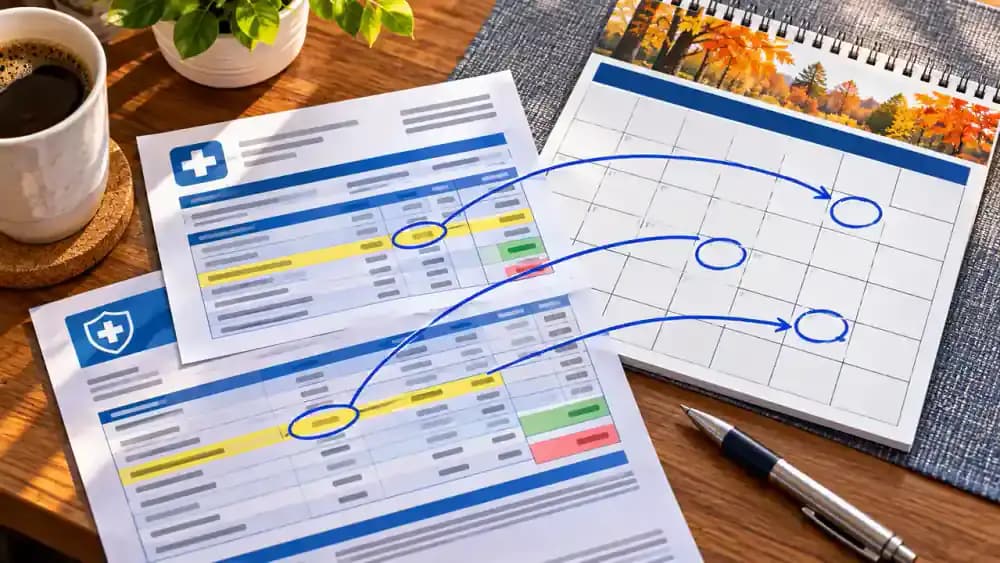
Open your insurance EOB and provider statement side by side, then locate their reference numbers. As illustrated, the EOB shows claim number CLM-2026-10482, while the provider statement lists account number ACCT-58321. These identifiers serve different purposes and may not match. Record both numbers and ask the billing department which insurance claim corresponds to the provider account. Include the service date to help representatives locate the correct records.

Compare Medical Services Between Your Bill and Insurance EOB
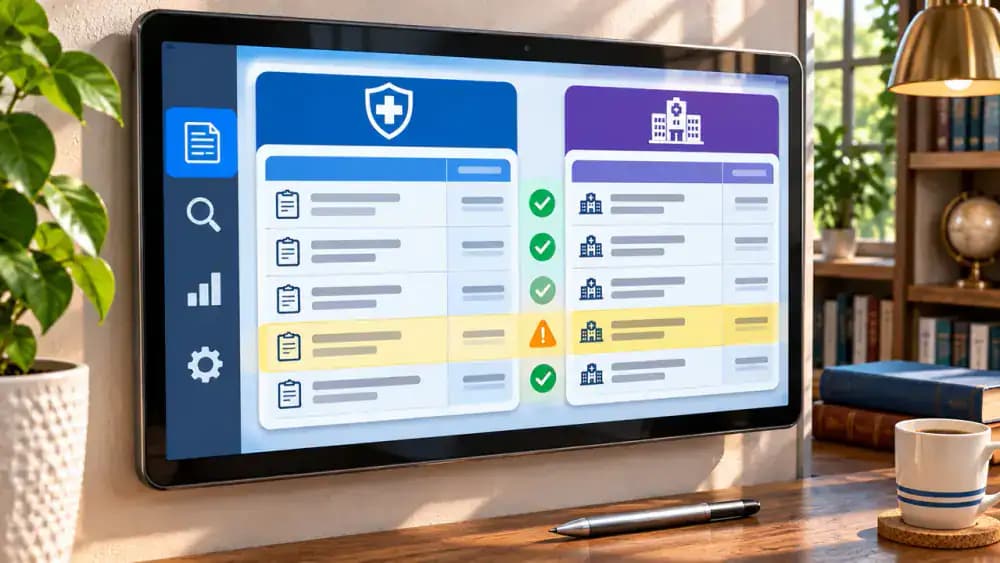
Open a comparison worksheet on your tablet and place provider charges beside the corresponding insurance EOB entries. Match service descriptions, dates, and quantities, as illustrated by the Office Visit entry. Notice that two separate laboratory charges may appear as one grouped insurance entry. Mark these for clarification rather than assuming an error. Record any unfamiliar service descriptions and ask your provider how they relate to the insurance claim.
Verify Insurance Adjustments on Your Medical Bill
Find the Amount Billed and Allowed Amount on your insurance EOB, then compare them with your provider statement. In the example, subtracting the $320 allowed amount from the $500 billed charge gives a $180 difference. Check whether the provider records a corresponding adjustment, as shown beside the calculator. If an adjustment is missing or unclear, record the amount and ask billing support how it was applied.

Confirm Insurance Payments Appear on Your Provider Account
Open your insurance claim details and provider account ledger side by side. Locate the $240 insurance payment processed on October 20, 2026, then search for the matching credit on your provider statement. Compare the payment amount and posting date, as shown on the screen. Insurance payments may take time to appear. If a credit is missing, record the claim number, amount, and processing date before contacting billing support.

Check Your Deductible, Copay, and Coinsurance Charges
Review the patient responsibility section of your EOB and identify any deductible, copay, or coinsurance amounts. As illustrated, a deductible may assign $200 toward covered services, a copay may require a fixed $30, and 20% coinsurance on a $500 allowed amount equals $100. These are separate examples, not combined charges. Compare each applicable amount with your provider statement and ask your insurer to explain any differences or unfamiliar calculations.
Calculate Your Expected Remaining Medical Bill Balance
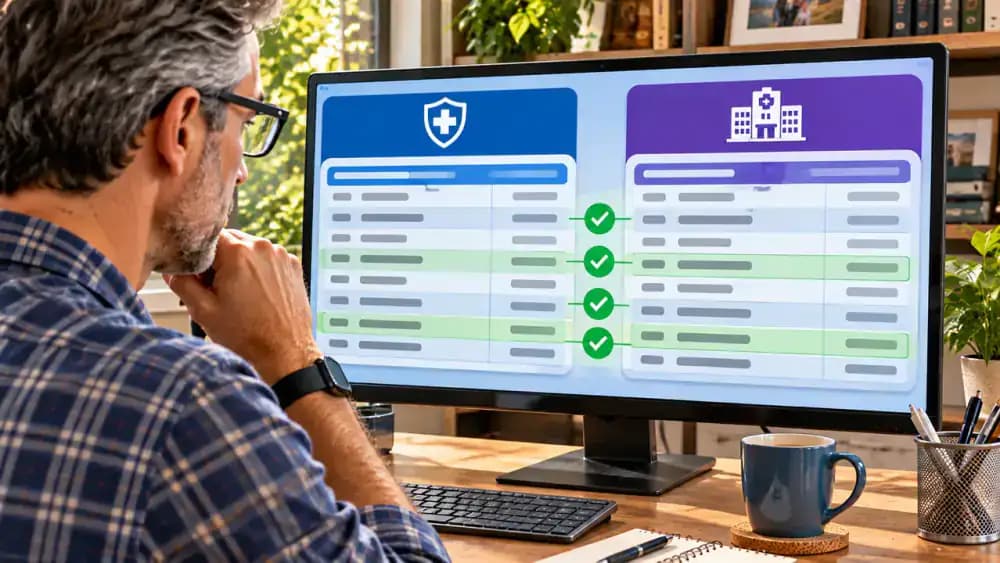
Find the patient responsibility amount on your EOB and subtract any documented payments already credited to your account. As shown on the glass board, a $300 responsibility minus a $50 previous payment leaves an expected balance of $250, assuming no other account activity. Compare this figure with your provider statement. If the amounts differ, request an updated account history and ask billing support to explain any additional charges or credits.

Check for Repeated Charges on Your Itemized Medical Bill
Place your itemized statements side by side and compare charges that appear similar. Use a ruler to check service dates, descriptions, billing codes, and quantities, as shown with the laboratory entries dated October 14, 2026. Mark suspicious-looking repetitions with removable tabs, but leave the original documents unchanged. Similar entries may represent separate services. Write down both charges and ask your provider to explain why they appear individually.

Check Service Quantities Before Questioning Repeated Charges
Arrange the billing entries by service date and compare their descriptions, codes, and quantities. As illustrated, one entry lists Quantity: 2, while two separate entries each list Quantity: 1. These differences may reflect how services were recorded rather than duplicate billing. Write a specific question asking what the two units represent and how they differ from the separate charges. Keep the relevant entries together for your billing inquiry.

Build a Spreadsheet to Track Medical Charges and Questions
Open a blank spreadsheet and name it Medical Bill Review Worksheet. Create eight columns: Service Date, Description, Amount Charged, Insurance Payment, Patient Responsibility, Previous Payments, Questions, and Follow-up Status. As shown, widen the columns, highlight the header row, and freeze it for easier scrolling. Enter each charge on a separate row and reference its supporting documents. Keep the file in a secure location to protect your financial and medical information.

Record Your First Medical Charge and Follow-up Question
Open your billing review worksheet and copy one charge from your supporting documents. As illustrated, record the October 14, 2026 laboratory service, $500 billed amount, $200 insurance payment, $120 patient responsibility, and $50 previous payment. Enter a specific question about the similar laboratory charges, then mark the status Awaiting Review. These fictional figures do not establish the complete balance. Verify each amount against its source before contacting billing support.

Organize Supporting Documents for Each Billing Question
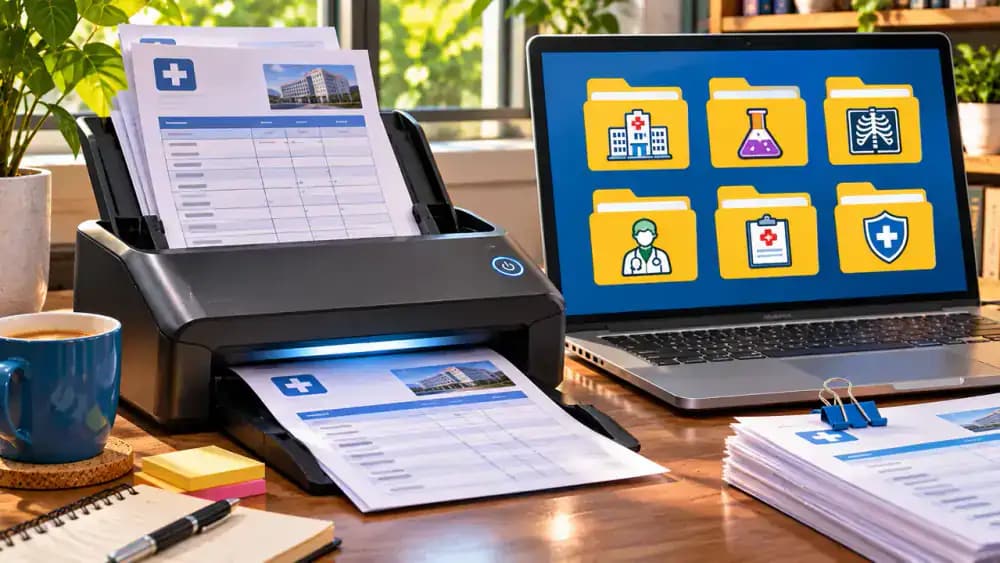
Scan your medical bill, insurance EOB, and payment receipts into a secure folder on your computer. Name each PDF using the service date and document type, as shown with 2026-10-14MedicalBill.pdf, 2026-10-14EOB.pdf, and 2026-10-14_PaymentReceipt.pdf. Add a Supporting Documents field to your review worksheet and enter the relevant filenames. This makes it easier to locate records when discussing specific charges with billing support. Avoid storing sensitive documents in publicly accessible folders.

Call the Billing Department With Your Questions Ready
Find the billing department's phone number on your medical statement and verify it through the provider's official patient portal. As shown, place the call with your account number, service date, and billing review worksheet nearby. First, ask whether your insurance claim has finished processing. Then identify the specific charge or payment you need explained. Take notes during the conversation and avoid sharing unnecessary personal or financial information.
Send Clear Questions About Unfamiliar Medical Charges
Open the Billing Messages section of your provider's secure patient portal and compose a new message. Identify the October 14, 2026 service date and $150 laboratory charge shown in the example. Ask what the charge represents, why similar entries appear separately, and whether insurance payments were credited. Keep each question specific and neutral. Request the appropriate contact for further review, then save the sent message for follow-up.

Keep a Detailed Record of Every Billing Department Contact
Open a dedicated contact log and record each billing conversation while the details are fresh. As illustrated, enter the contact date, department, representative's name, and reference number. Summarize the explanation, identify unresolved questions, and document any promised action, such as an updated account statement. Add a specific follow-up date and keep related messages securely stored. This record helps you track progress and avoid repeating questions during future conversations.

Request Written Billing Explanations and Updated Statements
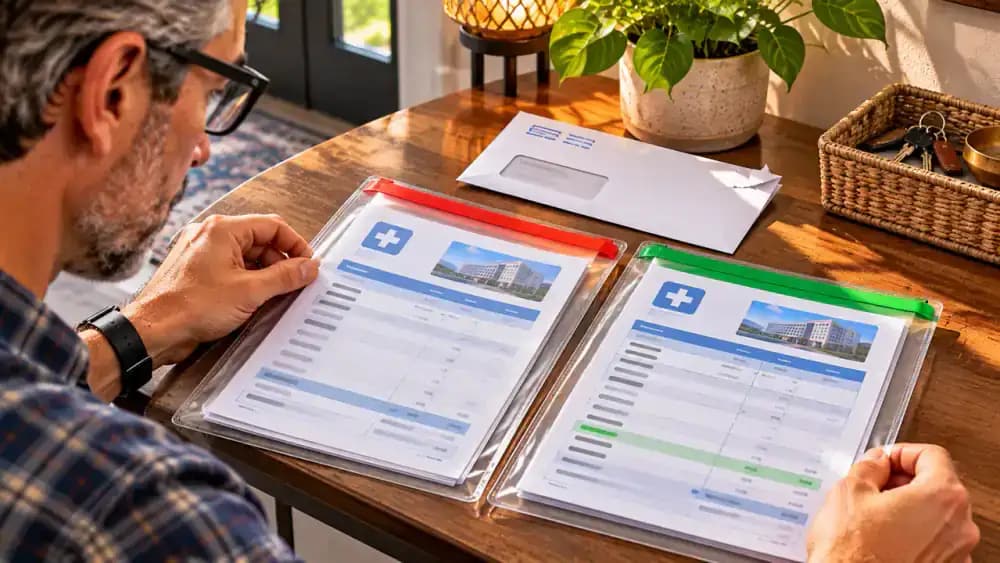
Ask the billing department to provide a written explanation or updated statement through your secure patient portal or by mail. When it arrives, compare the statement date, account number, insurance payments, and remaining balance with your original records. As shown, preserve both versions in separate folders labeled Original and Updated. Record the response date and any changes in your worksheet. An updated statement does not necessarily mean the original contained an error.

Ask Your Health Insurer to Review Unresolved Billing Questions
Contact your health insurer if the provider's explanation leaves important questions unanswered. As illustrated, present your EOB, claim number, service date, and a written description of the discrepancy. Ask the representative about the claim review process, response deadlines, and available consumer assistance resources. Record the next steps in your follow-up tracker and mark the issue Pending Insurer Review. Continue meeting applicable payment obligations unless you receive appropriate guidance otherwise.
Track Unresolved Billing Questions and Important Deadlines
Review your billing worksheet and organize each question by status: Explained, Awaiting Documents, or Awaiting Response. As shown on the corkboard, move resolved questions into the appropriate category and leave outstanding items visible. Record the next action and follow-up date for each issue. Check payment due dates and insurance appeal deadlines separately, since an unresolved billing question does not automatically extend deadlines or suspend payment obligations.

Protect Your Medical Bills and Insurance Records From Unauthorized Access
Save your medical bills, insurance EOBs, payment receipts, and review worksheets in a password-protected folder with a secure backup. As shown, lock your computer, disconnect the encrypted backup drive, and store it securely. Place paper records in a labeled folder inside a locked filing cabinet. Avoid sharing sensitive information through unsecured messages. If someone needs access, provide only the necessary documents through an authorized, secure method.

Update Your Billing Worksheet When a New Statement Arrives
Open the newly received medical statement and compare it with the previous version saved in your secure folder. Check the statement date, individual charges, insurance adjustments, and remaining balance. As shown, update your worksheet with the new figures and mark the status Updated Statement Received - Review Pending. Preserve the original statement for reference. If any changes remain unclear, contact your provider for an explanation before treating the balance as final.

Complete Five Essential Checks Before Making a Payment Decision
Review your five-point checklist and confirm that the latest insurance information, previous payments, unresolved questions, and payment due date have been checked. As illustrated, mark completed items and leave any outstanding issue labeled Needs Follow-up. Write down the next action, such as contacting your insurer for clarification. Verify applicable payment deadlines and procedures directly with your provider or insurer. An incomplete review does not automatically mean a billing error or suspend payment obligations.

Set a Monthly Reminder to Review Your Medical Bills
Open the reminder app on your smartwatch or phone and create a recurring task called Monthly Medical Bill Review. Choose a convenient monthly date and save the reminder, as shown. During each review, check new medical bills, insurance EOBs, payment confirmations, and unresolved questions. Update your worksheet and follow up before applicable deadlines. Keep records secure and contact your provider or insurer whenever charges or payment responsibilities remain unclear.

You open a medical bill and see a balance of $2,450. You thought your health insurance would cover most of the visit, but the statement doesn't clearly explain what you owe or why. Did your insurance company process the claim correctly? Were you charged for services you actually received? Before assuming something is wrong, it's worth taking a closer look. Medical bills can be confusing, and an unfamiliar charge or unexpected balance doesn't necessarily mean there's an error. The key is knowing which documents to compare and what questions to ask.
You don't need to be a medical billing expert to review your charges. With your provider's bill, an itemized statement, your insurance Explanation of Benefits (EOB), and any payment receipts, you can work through five practical checks. You'll learn how to match services and dates, review insurance adjustments and payments, track potential discrepancies, and contact the billing department for clarification. The goal is to understand your bill, document unanswered questions, and resolve concerns through the appropriate provider or insurer before making an informed payment decision.
Where people go wrong
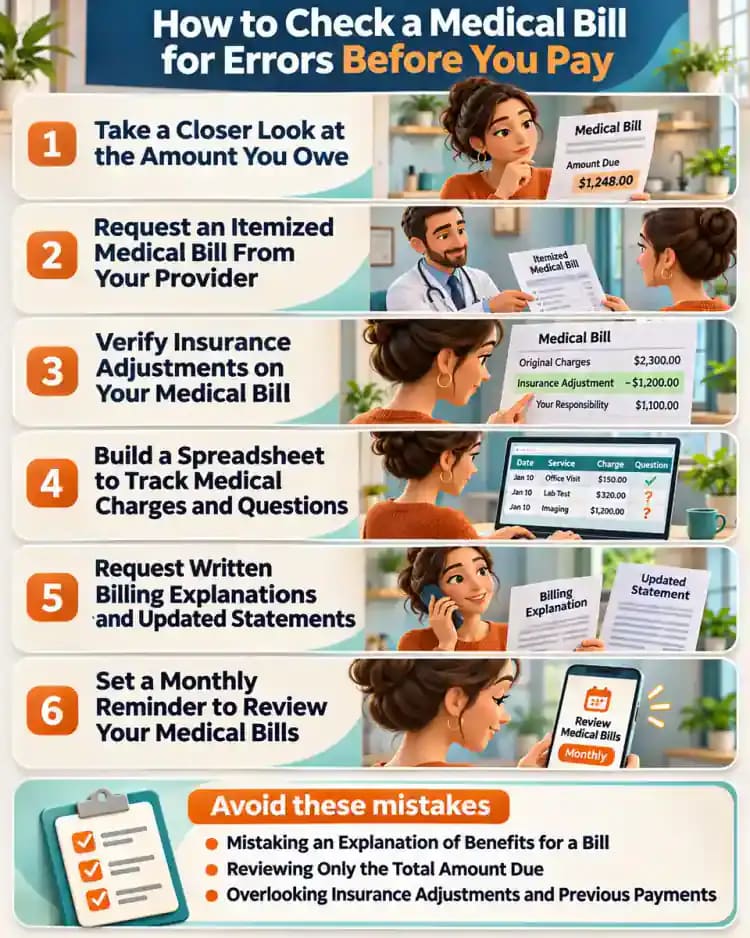
Mistaking an Explanation of Benefits for a Bill. An Explanation of Benefits (EOB) shows how your insurer processed a claim, but it is not a request for payment. Comparing its patient responsibility amount with your provider's actual bill helps you understand what is being charged and identify differences that need clarification.
Reviewing Only the Total Amount Due. Looking only at the final balance can hide important details about individual charges. Request an itemized statement and check service descriptions, dates, quantities, and amounts. If a charge appears unfamiliar or repeated, ask the billing department for an explanation rather than assuming it is incorrect.
Overlooking Insurance Adjustments and Previous Payments. A medical bill may include charges before insurance adjustments, deductible amounts, copays, and payments already received. Failing to compare these figures can create confusion about your actual responsibility. Review each amount against your EOB and receipts, then request clarification when the numbers do not match.
Contacting Billing Support Without Keeping Records. Calling the billing department without specific questions or written notes makes unresolved issues harder to track. Use a worksheet to document questionable charges, representative names, reference numbers, explanations, and follow-up dates. Keep records secure and contact your insurer or qualified consumer assistance service if questions remain unresolved.
Questions people ask
Start by comparing your provider's itemized bill with your insurance Explanation of Benefits (EOB). Check service dates, provider names, descriptions, quantities, insurance payments, and your remaining balance. An unfamiliar or repeated charge is not automatically an error. Treat discrepancies as questions to clarify with your provider or insurance company.
Fixed it?
Get one guide like this every Thursday.